UGC Testimonials — Authentic, Customer-Shot Social Proof, Captured Remotely
Get real customers on camera to share their story — relatable like UGC, but framed, lit and captured at full resolution. You direct the remote phone, they bring the authenticity.
Short answer
A remote UGC testimonial is a customer sharing their story on their own phone, so it feels genuine rather than staged — captured remotely with CLOS so it is also usable. You can direct the customer’s camera live, setting framing, focus and exposure, or let them self-record with AI CAM framing guidance. Either way the clip is a real, full-resolution capture that reads as authentic UGC but is sharp enough to run as paid or organic social proof.
Key takeaways
- Authentic, customer-shot feel — real people on their own phones, not actors on a stage
- Two ways to capture — direct the camera remotely, or let the customer self-record with AI CAM framing guidance
- Real capture, never generated — full-resolution video and stills of a real customer, not an AI mockup
- Delivered in real time — every take lands in your cloud album, ready to trim for social

How it works with CLOS
The session feels casual for the customer and controlled for you — whether you direct the camera or they self-record.
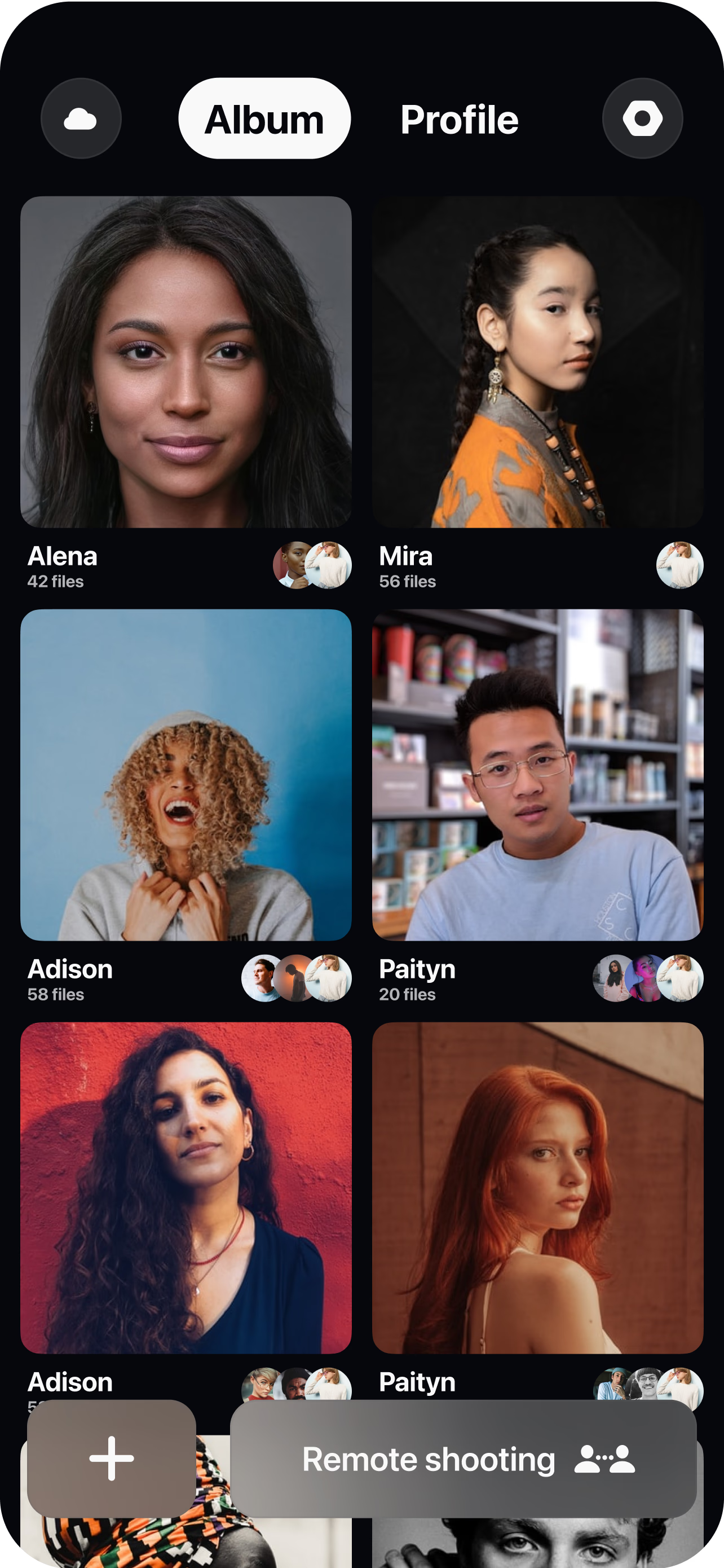
Send a room link
Spin up a virtual room and invite the customer with a single link — no app store hunting, no shipping a camera kit. They join from wherever they actually use your product.
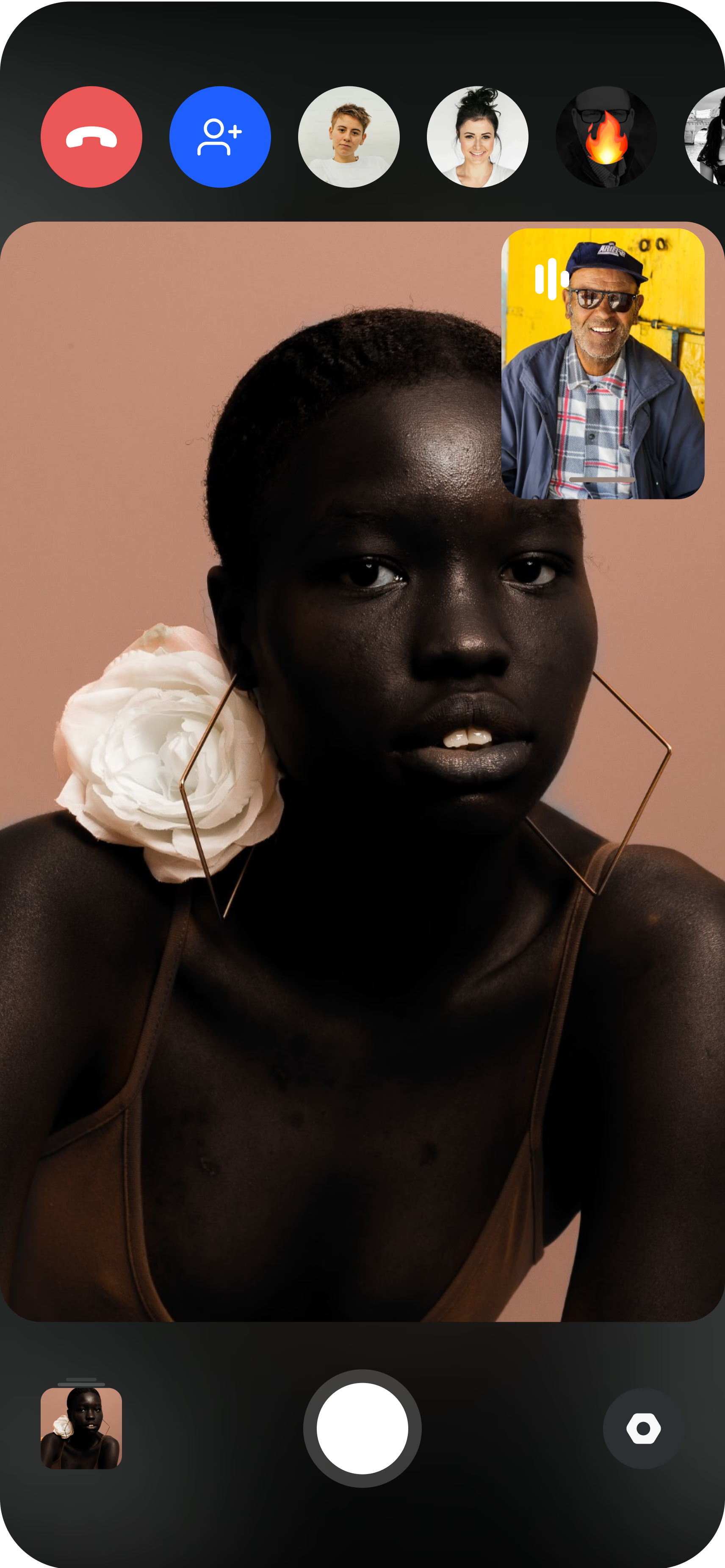
The customer joins on their phone
They open the live session from their own iPhone or Android, propped up or handheld. You see the feed instantly, or — for a solo capture — AI CAM framing guidance helps them position themselves before they record.
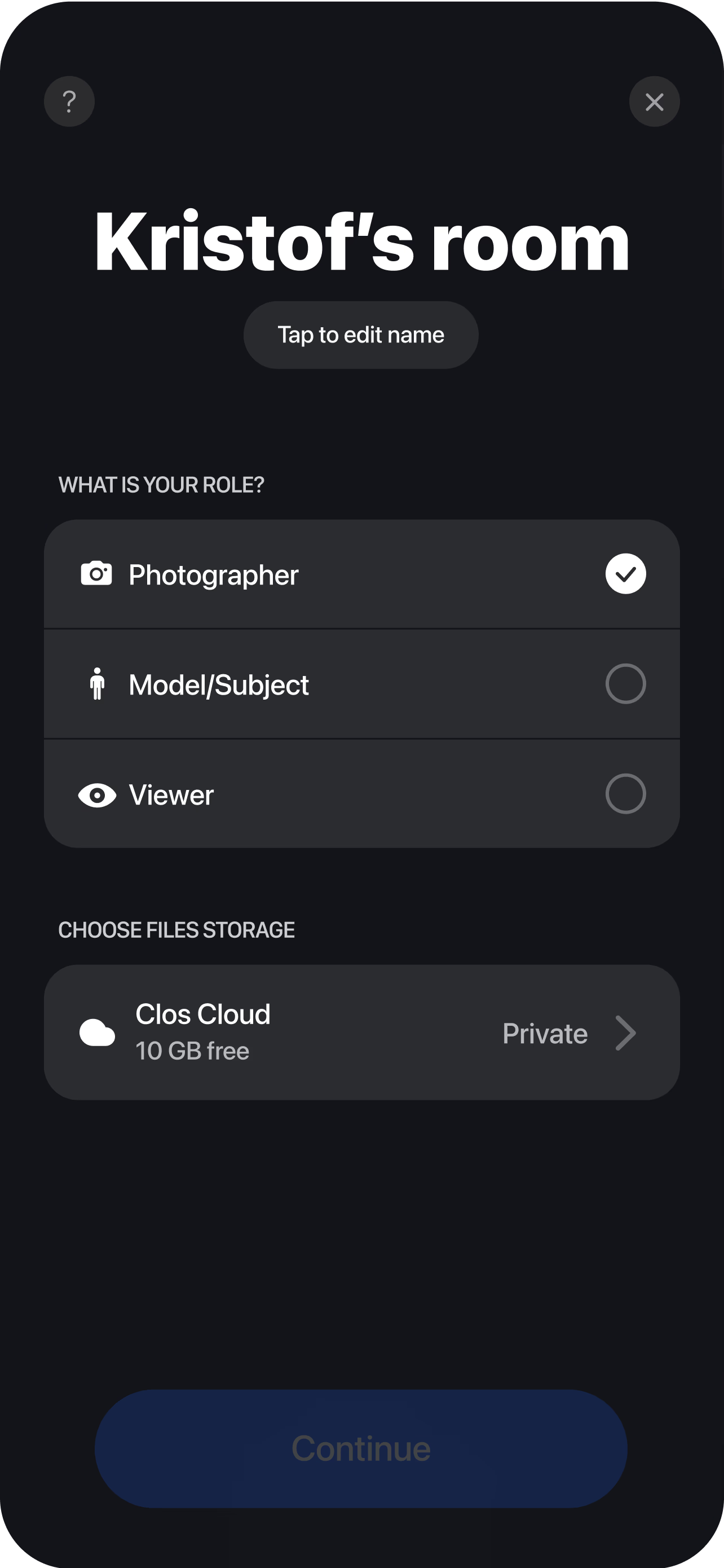
Capture and deliver
Direct framing, focus and exposure while they tell their story, then capture full-resolution video and stills. Every take lands in your cloud album in real time, ready to trim into ad cuts, reels and review carousels the moment you wrap.
Authentic, but actually usable
The whole reason UGC testimonials convert is that they do not look like ads. A real customer, on their own phone, in their own kitchen or office, reads like a friend’s recommendation — and audiences trust that far more than a glossy spot with a paid actor. The problem with traditional UGC is that the same rawness that makes it believable also makes it unreliable: customers film vertical when you needed horizontal, sit with a window blowing out behind them, drift out of focus, or send a clip so low-resolution you cannot crop it for the placement you had in mind. You get authenticity and lose control, and you cannot reshoot because the moment has passed.
CLOS keeps the authenticity and gives you back the camera. The customer still holds their own phone in their own space, so nothing about the feel changes — but you connect through remote camera control to frame the shot, lock focus and set exposure before they start talking. The result still reads as UGC because it genuinely is a real customer’s phone in a real place; it is just framed, lit and sharp enough to actually ship. And because it is a true sensor capture rather than a compressed video-call stream, the file holds full resolution, so you can crop one clip into a square feed post, a vertical story and a horizontal pre-roll without it falling apart.
Two ways to capture: directed or solo with AI CAM
Not every testimonial fits the same workflow, so CLOS gives you two modes. When you can get on a call together, run a directed session: you are live in the room, steering the frame and coaching the customer while they talk. This is the higher-touch route, and it is the one to reach for when the customer is a strong advocate whose story is worth shaping in the moment.
When schedules will not line up — or the customer would rather record on their own time — use AI CAM, CLOS guided self-capture. AI CAM gives the customer real-time framing guidance so they can position themselves, hit the frame and record without anyone else on the line. It is important to be precise about what AI CAM is and is not: it assists with framing only. Every AI CAM capture is a real, full-resolution photo or video of the real customer taken by the phone’s actual sensor — never an AI-generated image. That distinction is what keeps a self-recorded testimonial honest: you are collecting genuine proof, just without needing to staff every session live.
Making shy customers comfortable
Plenty of happy customers freeze the moment a camera points at them, and that is usually what kills a testimonial before it starts. The remote setup helps here in a way a crew never could. There is no film crew filling their room, no boom operator, no stranger adjusting a light — just their own phone on a shelf and your voice in their ear. In a directed session you talk them through it, feed them a prompt when they lose their thread, and quietly fix the frame while they focus on what they want to say, so they never feel like they are performing. For customers who clam up on a live call entirely, AI CAM lets them record alone, on their own schedule, with only gentle framing guidance to keep them on target — often the only way to get a naturally camera-shy advocate on tape at all.
Collect a batch in one album
Social proof works on volume: one testimonial is a data point, twenty is a wall of evidence. Because every capture is remote, you can invite a dozen customers across different cities and time zones and never book a flight or ship a kit. Each take streams into your dashboard through real-time cloud delivery the moment it ends, and Pro plans keep everything in non-expiring albums, so a whole batch of customer stories lives in one place ready for your editor to pull from. Download a single hero clip, a curated selection, or the entire set as a ZIP. The Free plan includes 1 GB to try your first testimonial, and Pro tiers scale from 5 GB to 1 TB as your library grows. For the end-to-end workflow, see the complete remote shoots guide.
Who uses this
- Growth and performance marketers feeding a steady supply of authentic social proof into paid creative — see the marketing teams persona page.
- Brand and social teams building an always-on library of customer stories for organic reels and review carousels.
- Ecommerce and DTC brands collecting real buyers talking about products they actually use.
- Agencies and creators producing UGC-style testimonial content for clients at volume, without travel.
Frequently asked questions
What makes a UGC testimonial authentic if you're directing it? +
When should I direct the shoot versus use AI CAM? +
Does AI CAM generate the video? +
How is a UGC testimonial different from a produced video testimonial? +
Can I capture a batch of testimonials at scale? +
Does the customer need to install anything? +
Related
Capture your first UGC testimonial today
Send a customer a room link and get authentic, full-resolution social proof in one short session — directed or solo. Free to start, no credit card required.