Remote Product Photography for Ecommerce & DTC Catalogs
Shoot catalog and PDP images without shipping a single sample. Someone on-site places the product, you control the camera and frame every shot — full-resolution files land in the cloud as you go.
Short answer
Remote product photography is a real catalog shoot run from a distance: someone on-site holds or places the product while you control the camera remotely — setting focus, exposure and RAW, and framing every shot yourself. With CLOS, full-resolution files upload to a shared cloud album as you shoot, so your team gets consistent, production-ready PDP images without shipping a single sample to a studio.
Key takeaways
- Shoot where the product already is — at a supplier, warehouse or teammate's desk, with nothing shipped
- Full remote camera control — you set focus and exposure; ISO, shutter and white balance are Pro
- Consistent catalog look — the same frame, crop and angle locked across an entire product line
- Full-resolution PDP images, RAW on Pro, delivered to the cloud in real time and ready to retouch

How it works with CLOS
CLOS keeps the workflow close to a tabletop studio shoot — you open a room, bring the on-site phone online facing the product, then frame and capture remotely, with every angle landing in the cloud as you go.
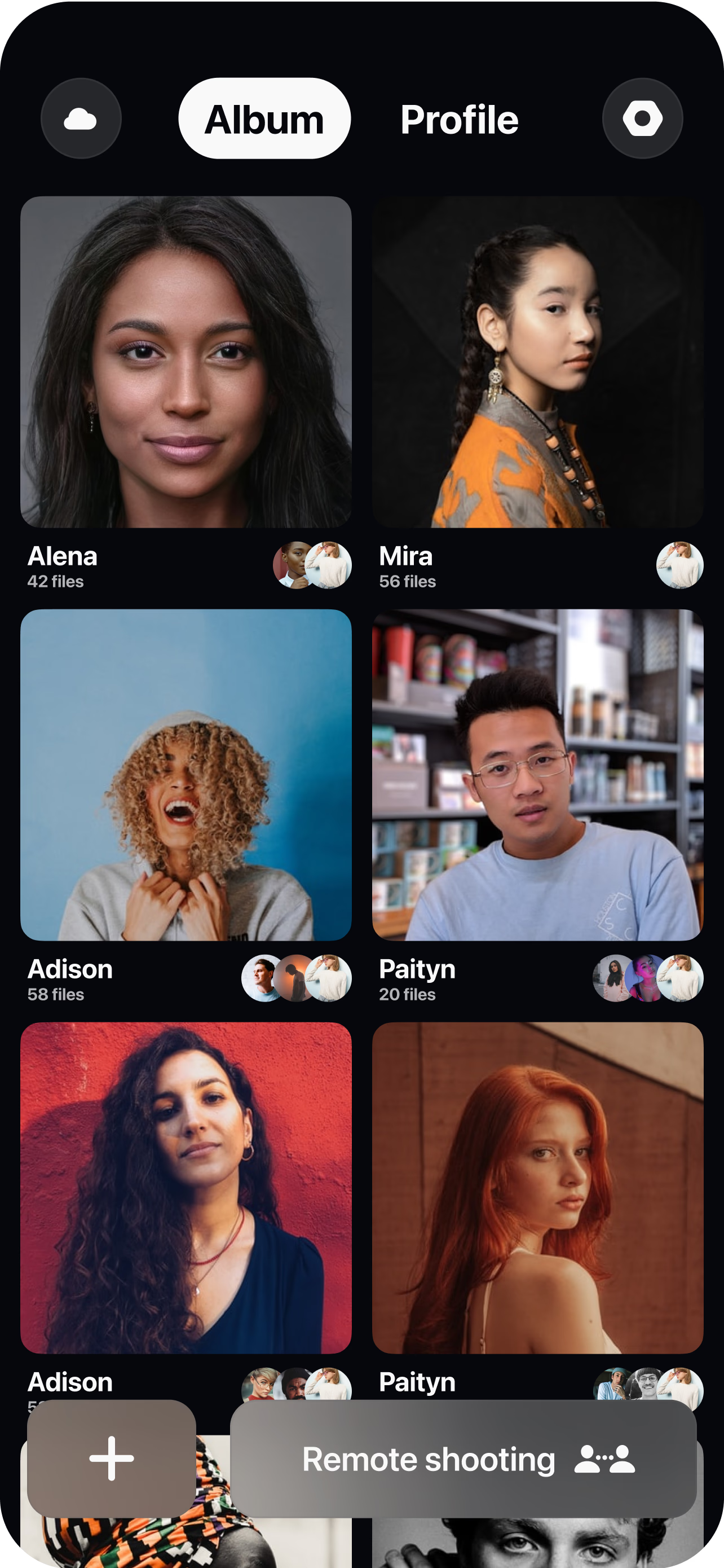
Create a virtual room
Spin up a session and send the on-site handler — a warehouse staffer, supplier or colleague — a single join link. No app to install for anyone reviewing.
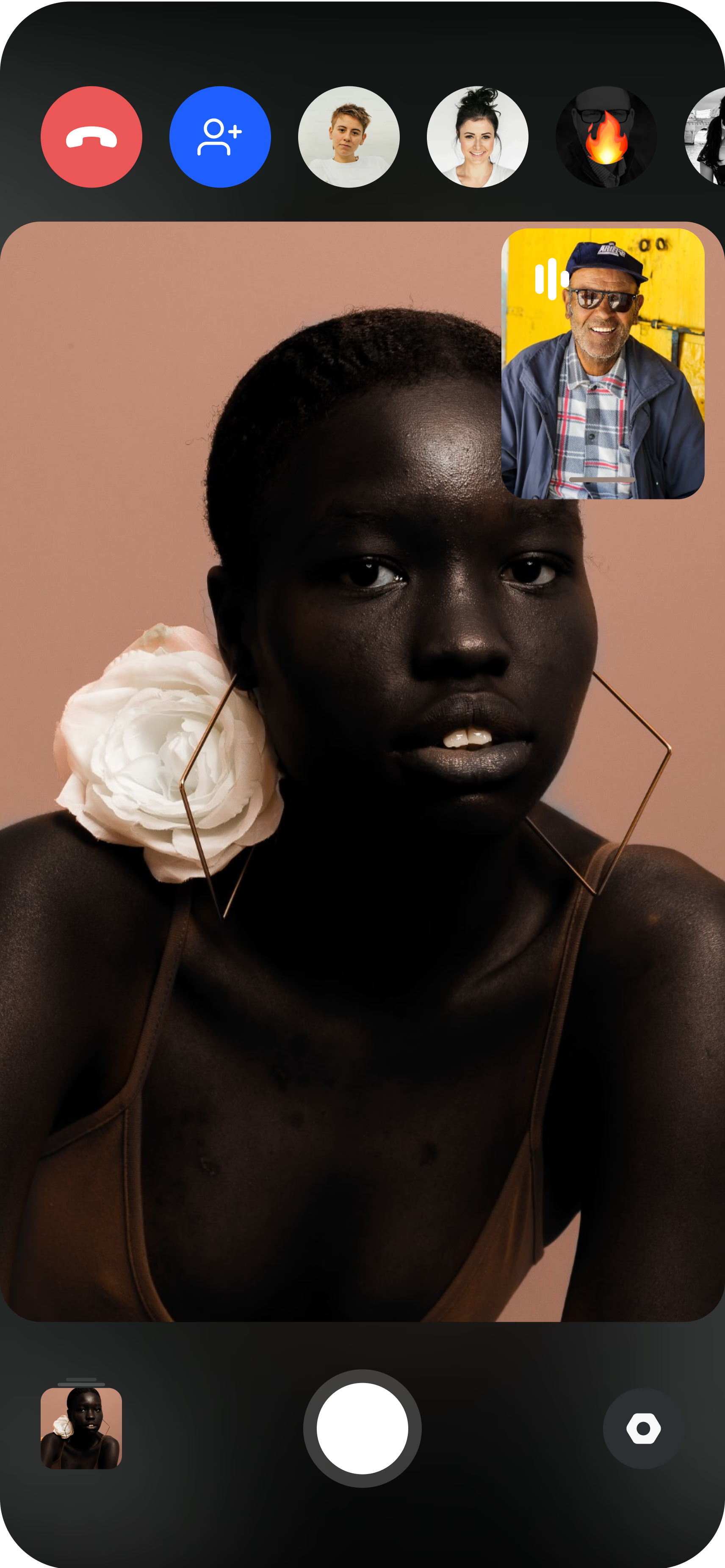
The on-site phone becomes the camera
They prop the phone on a tripod facing the product table. You see the live feed instantly and can guide lighting and backdrop placement before capturing.
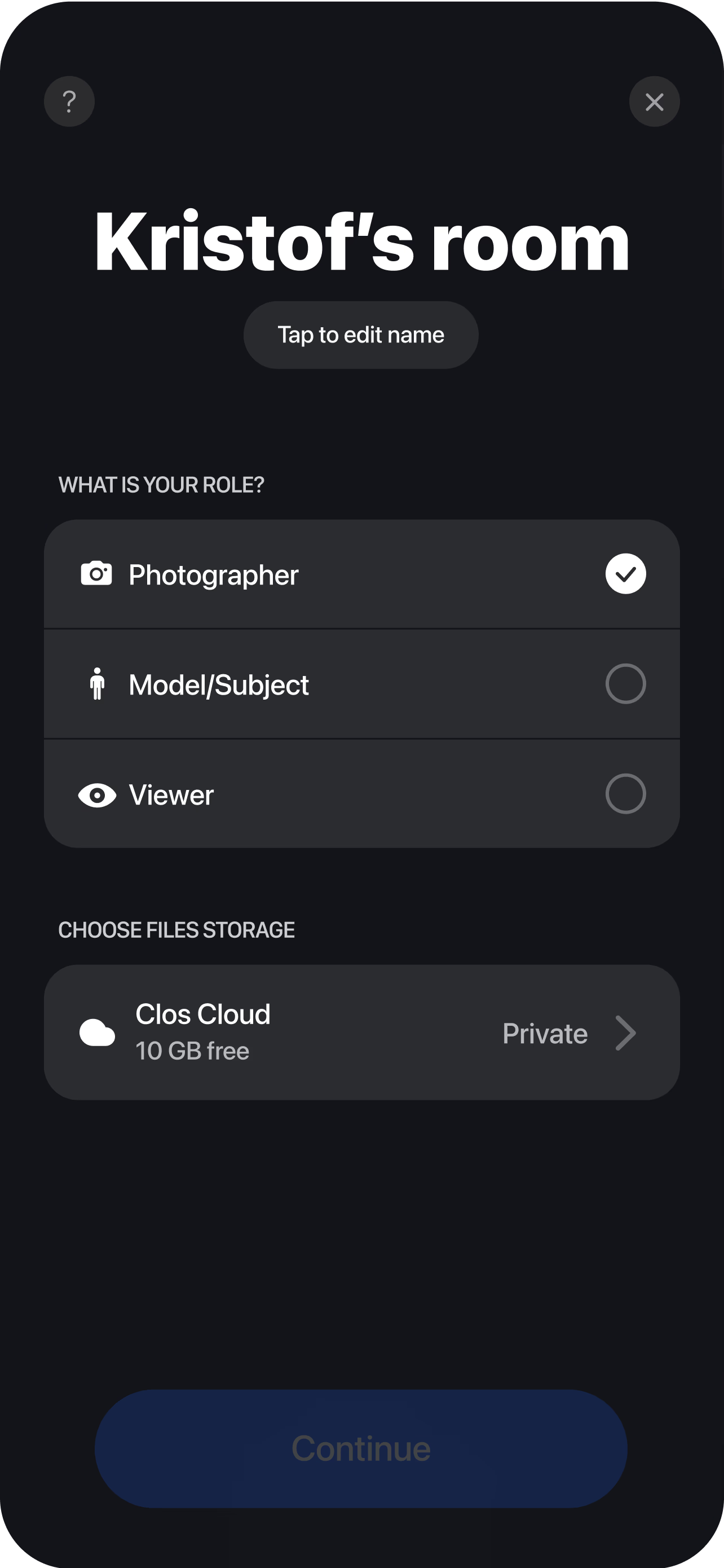
Frame, capture and deliver
Set focus on the product, adjust exposure — plus ISO, shutter speed and white balance on Pro — then trigger the shutter; every angle at full resolution, RAW on Pro. Each shot uploads to a shared cloud album in real time, so catalog, retouching and merchandising teams pull files the moment a SKU is done.
Shoot where the product already is
The traditional catalog shoot has a hidden tax: freight. Every SKU has to be packed, shipped to a studio, shot, and shipped back — with customs delays and lost samples along the way. Remote product photography removes that step by putting the camera where the product sits. A teammate, supplier or warehouse contact positions the item on a table or backdrop, and you connect to their phone over a virtual room to set the frame, dial in exposure and trigger the shutter, exactly as you would standing behind the camera yourself. This is a practical replacement for shipping samples, especially when new SKUs land weekly or stock is spread across multiple locations or a third-party logistics partner. You photograph straight from the source, anywhere in the world, without a single box moving.
The difference from a video call is control and output. CLOS turns any recent iPhone or Android into a directable, full-resolution camera, so you capture true high-resolution files of the real SKU — not compressed screenshots and not AI-generated images that can misrepresent the actual product.
Directed framing and lighting on-site
The on-site handler does not need to be a photographer, because every creative decision stays on your side through remote camera control. You watch the live feed and guide them to nudge a light, angle the backdrop or reposition the product, then you set focus, frame the shot and trigger the capture. That split — a helper who only places the item, an operator who controls the image — is what makes the output studio-grade even when nobody skilled is in the room. You can pull focus onto a texture, expose for a glossy surface, or set white balance so the color of the product reads true, all from your desk.
For the retouch, Pro plans capture RAW and Apple ProRaw straight off the sensor, which gives clean files for clipping paths, color correction and white-background PDP images. Full sensor data means your retouchers have the latitude to recover highlights and fix color without artifacts, the same as an in-studio capture.
Catalog consistency with locked settings
Catalog work lives or dies on consistency: a product grid only looks professional when every SKU is framed, cropped and lit the same way. Remote capture makes that easier to enforce, not harder, because one operator controls the frame for the entire line. You lock the angle, the crop and the exposure once, then apply the same setup to every product as the handler swaps items in and out. The hundredth SKU matches the first because the person shooting never changed — only the product on the table did.
That consistency plus real-time delivery is what compresses the timeline from weeks to hours. As each shot streams to the shared cloud album, retouching and merchandising teams start pulling files immediately, so a new SKU goes from table to live product page the same day. On the Free plan the album includes 1 GB of storage; Pro tiers scale up for a full product line and add non-expiring albums so finished catalog images stay available.
Who uses this
- Ecommerce and DTC brands shooting PDP and catalog images for product lines that update constantly — see the ecommerce brands persona page.
- Marketplaces and resellers capturing stock held at a 3PL or supplier without it leaving the building.
- Catalog and studio managers enforcing one consistent look across hundreds of SKUs.
- Suppliers and manufacturers providing directed product imagery to their retail partners on demand.
- Merchandising teams who need new-SKU images live on the site the same day stock arrives.
Frequently asked questions
What is remote product photography? +
Do I need to ship product samples to a studio? +
How does this keep my catalog images consistent? +
Can I capture RAW files for product retouching? +
How is this different from a video call or AI product images? +
What does it cost to get started? +
Related
- Remote UGC product reviews
Pair product shots with authentic creator content.
- Remote brand campaign photoshoots
Direct styled product and campaign scenes remotely.
- Remote interior photography
The same directed workflow applied to rooms and interiors.
- Guide: how to do a remote photoshoot
The step-by-step playbook for running a remote shoot.
- For ecommerce brands
How ecommerce teams shoot catalogs with CLOS.
Shoot your catalog without shipping a sample
Create a virtual room, have someone on-site place the product, and start capturing full-resolution PDP images in minutes. Free to start, no credit card required.