Mar 17, 2026
High-Quality Photos for Remote Creative Collaboration
In the evolving landscape of creative industries, capturing and sharing high-quality photos has become essential for effective remote collaboration. These photos facilitate seamless communication among teams, enabling photographers and directors to guide projects from a distance. This article explores the key benefits of using virtual production tools for remote photo shoots, how to optimize photo quality, and the tools that support collaboration among creative teams. As remote work becomes more prevalent, understanding these technologies can significantly enhance productivity and creativity in fields such as photography, casting, modeling, and production.
What Are the Key Benefits of Using Virtual Production Tools for Remote Photo Shoots?
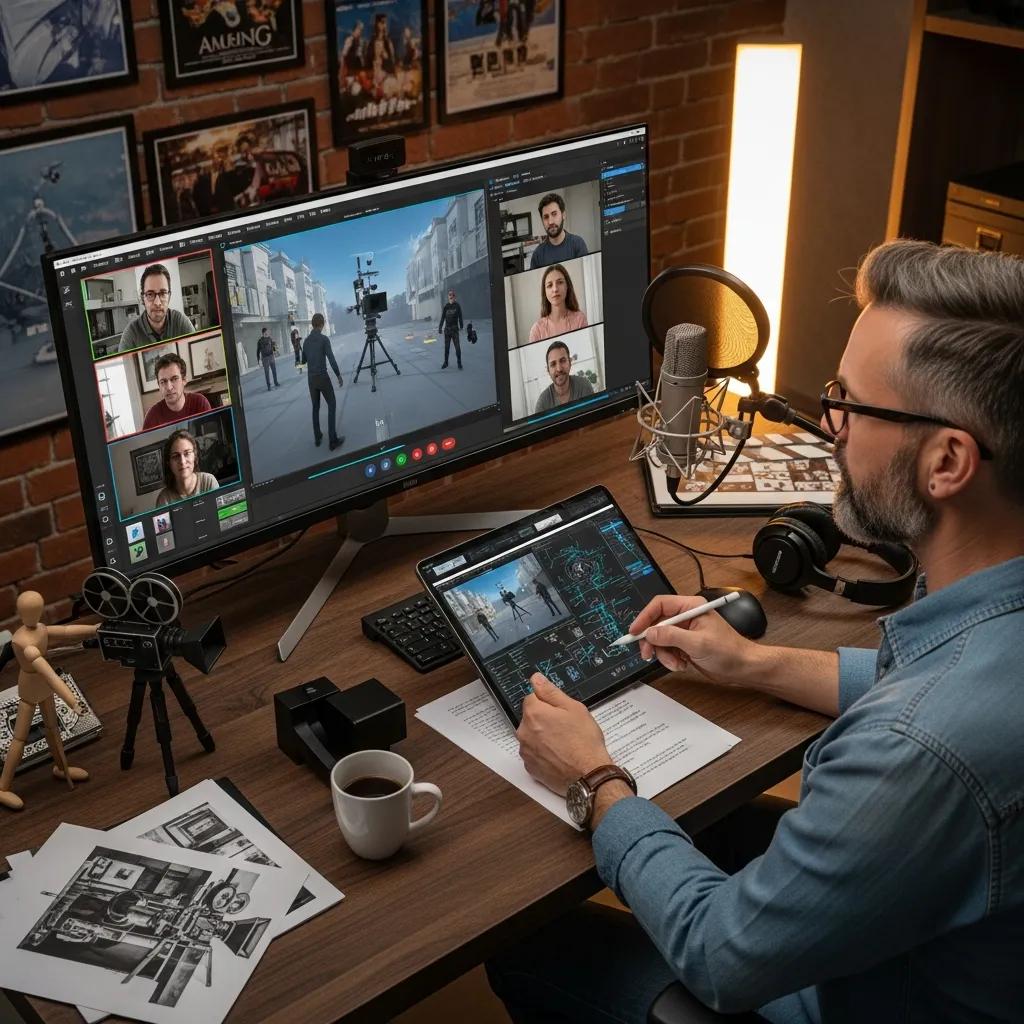
Virtual production tools offer several advantages that enhance the quality and efficiency of remote photo shoots. These tools provide photographers with control over production quality, enabling them to achieve professional results without being physically present. Additionally, they are cost-effective, reducing the need for travel and associated expenses. The speed of production is also improved, allowing teams to respond quickly to changes and feedback.
How Do Virtual Production and Remote Capture Enhance Creative Collaboration?
Virtual production and remote capture technologies significantly improve creative collaboration by enabling real-time monitoring and communication. Teams can share camera feeds and receive immediate feedback, which fosters a more dynamic and interactive creative process. This reduces the need for travel, allowing team members to participate from various locations without compromising the quality of their contributions.
Further research highlights the development of dedicated platforms designed to facilitate such collaborative virtual production environments.
What Cost and Time Savings Result from High-Quality Remote Photo Collaboration?
High-quality remote photo collaboration leads to substantial cost and time savings for creative teams. By eliminating travel expenses and reducing the time spent on logistics, teams can allocate resources more effectively. Studies indicate that companies utilizing remote collaboration tools can lower production costs by around 20-30%, while also accelerating production cycles, allowing for quicker project turnaround times.
Indeed, early studies confirmed the viability of remote creative collaboration, driven by factors like cost and time savings.
How Can You Optimize Photo Quality for Effective Remote Direction?
To ensure effective remote direction, optimizing photo quality is crucial. Using high-resolution cameras and proper lighting setups is essential to capture clear and detailed images. Additionally, stable camera positioning with tripods and controlled environments can significantly improve image quality.
Which Techniques Improve Image Quality and Workflow in Remote Photo Shoots?
Several techniques can be employed to improve image quality and streamline workflow during remote photo shoots. Using RAW format for photos preserves maximum detail and allows for extensive post-processing. Sharing photos in high resolution without quality loss is important, which can be achieved through specialized cloud services designed for photographers. Real-time previews during the shoot enable photographers to make immediate adjustments and ensure the desired results.
How Should Photos Be Saved and Shared in Remote Creative Workflows?
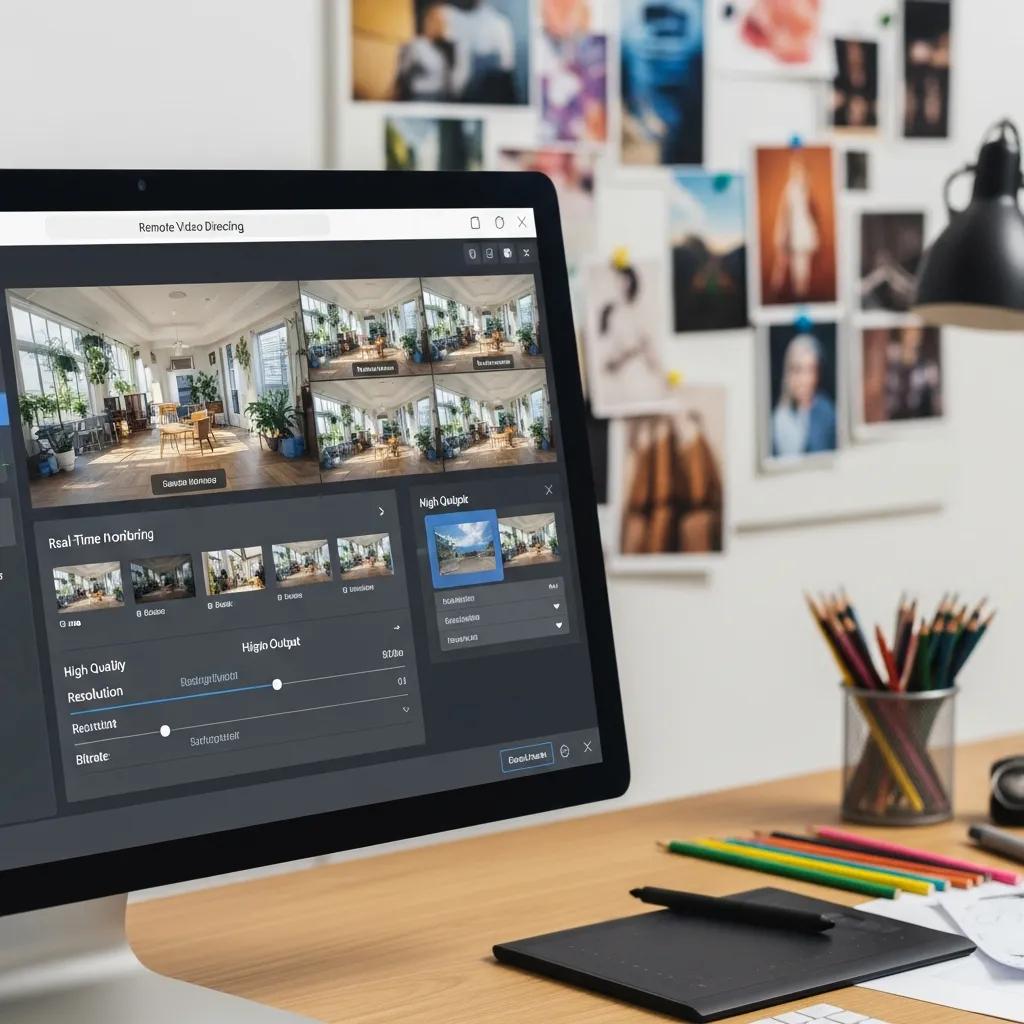
There are three main ways to save photos in remote creative workflows: locally to the model's or subject's camera roll, to the CLOS gallery, or to the CLOS Cloud.
When to save photos to the model's/subject’s camera roll or CLOS gallery?
A photographer does not require reviewing or editing images before sending them to a model or subject.
The model or subject chooses which images to send for editing.
When to save photos to the CLOS Cloud?
The model or subject does not have access to the photos.
All photos must be reviewed and selected by the photographer.
Photos are taken in RAW format, and alternative file sharing services do not support RAW image sharing without quality loss.
The photographer wants to see previews during the photo shoot.
To upload images to the CLOS Cloud, the model or subject needs to exit the virtual room after the photo shoot is finished and leave the app open with the mobile device unlocked.You
What Tools and Technologies Support Seamless Photo Collaboration for Creative Teams?
Various tools and technologies are available to support seamless photo collaboration among creative teams. These tools not only enhance communication but also streamline the production process, making it easier for teams to work together effectively.
How Does the CLOS App Facilitate Real-Time Remote Photo Direction and Production?
The CLOS app is designed to facilitate real-time remote direction and production by providing features such as real-time feed monitoring and easy session setup. This allows photographers and directors to guide their teams effectively, ensuring that everyone is aligned with the creative vision. Immediate feedback capabilities further enhance the collaborative process, making it easier to implement changes on the spot.
What Are the Advantages of Live Photo Capture for Remote Teams?
Live photo capture offers numerous advantages for remote teams, including greater control over production quality and increased speed and efficiency in the workflow. By utilizing live photo capture, teams can produce high-quality content without the delays typically associated with traditional production methods. This technology empowers teams to deliver exceptional results while maintaining flexibility in their operations.
How Can You Get Started with High-Quality Photos for Remote Direction?
Getting started with high-quality photos for remote direction involves a few straightforward steps. First, creating a virtual room for your team is essential, followed by sending invitations to all participants. Finally, reviewing photos during or after the session can help ensure that the production meets the desired standards.
What Are the Steps to Download and Use the CLOS Remote Directing Platform?
Visit the CLOS website to access the platform.
Create a session by selecting the desired features and settings.
Download the photos after the session to review and edit as needed.
Where Can You Find Case Studies Demonstrating Successful Remote Photo Direction?
For insights into successful remote photo direction, various case studies are available that highlight the effectiveness of the CLOS platform. These case studies often include customer testimonials and success stories that demonstrate how teams have leveraged high-quality photo collaboration to enhance their creative processes and achieve outstanding results.