Book a Personal Photoshoot — With a Photographer You Actually Chose
Skip the quote forms and the assigned strangers. Browse photographer portfolios in CLOS Discovery, match with the one whose style you love, and get photographed remotely — no travel, no studio, no camera of your own.
Short answer
The simplest way to book a personal photoshoot is to pick the photographer first, not the listing. In CLOS Discovery you browse photographer profiles and portfolios swipe-style; when you like someone’s work and they like you back, a chat opens where you agree the concept, the terms and the time. Then the shoot itself happens remotely — the photographer directs your phone’s camera from their browser while you stay wherever you are.
Key takeaways
- You choose the person, not a lead form — every Discovery profile carries a real portfolio, so you match on style before anyone talks money
- No travel, no studio — the photographer directs your phone's camera through a browser room, and you shoot from your own space
- Terms are agreed in chat — you and the photographer settle concept, timing and payment directly, with no middleman markup
- Real full-resolution photos — actual captures from your phone's camera, never AI-generated images or video-call screenshots

How it works with CLOS
Booking a photoshoot usually means filling out a quote form and waiting for strangers to bid, or letting a marketplace assign whoever is available. CLOS replaces both with a match: you find the photographer, they find you, and the shoot runs remotely inside the app.
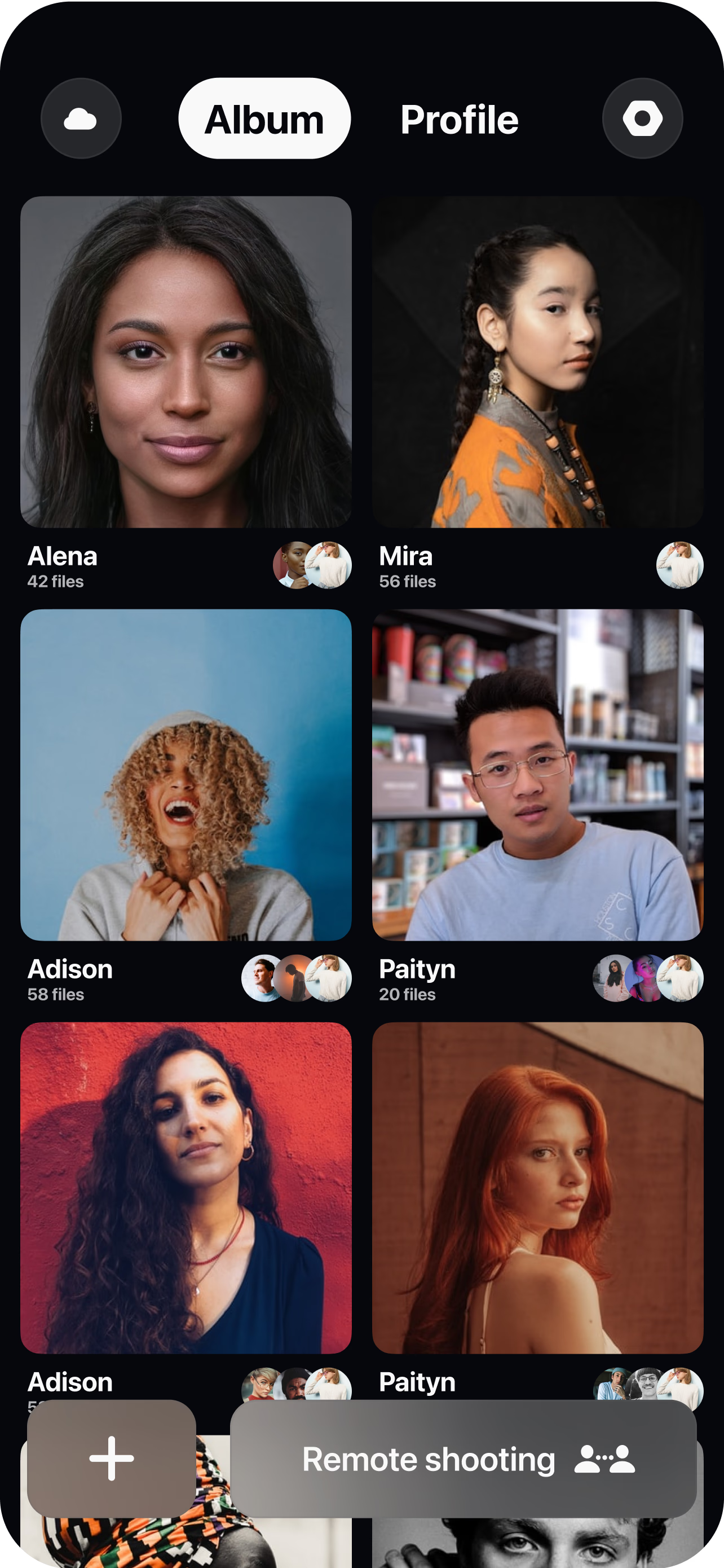
Browse and match in Discovery
Open Discovery in the CLOS app and swipe through photographer profiles and portfolios. Like the work that matches the photos you want, skip the rest — a mutual like opens a chat.
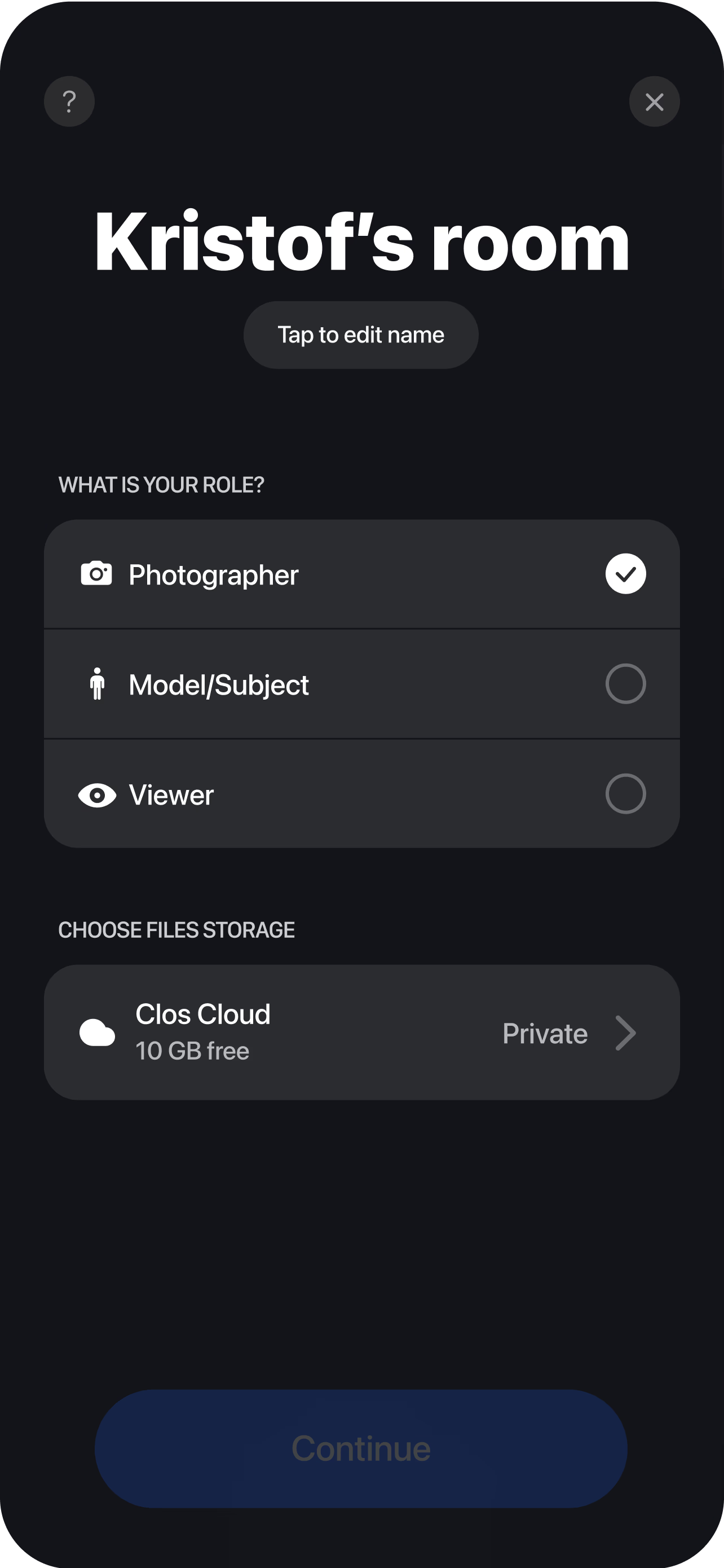
Plan the shoot in chat
Talk through the concept, agree the terms — including whether the shoot is paid and how much — and pick a time. Everything is settled directly between you and the photographer.
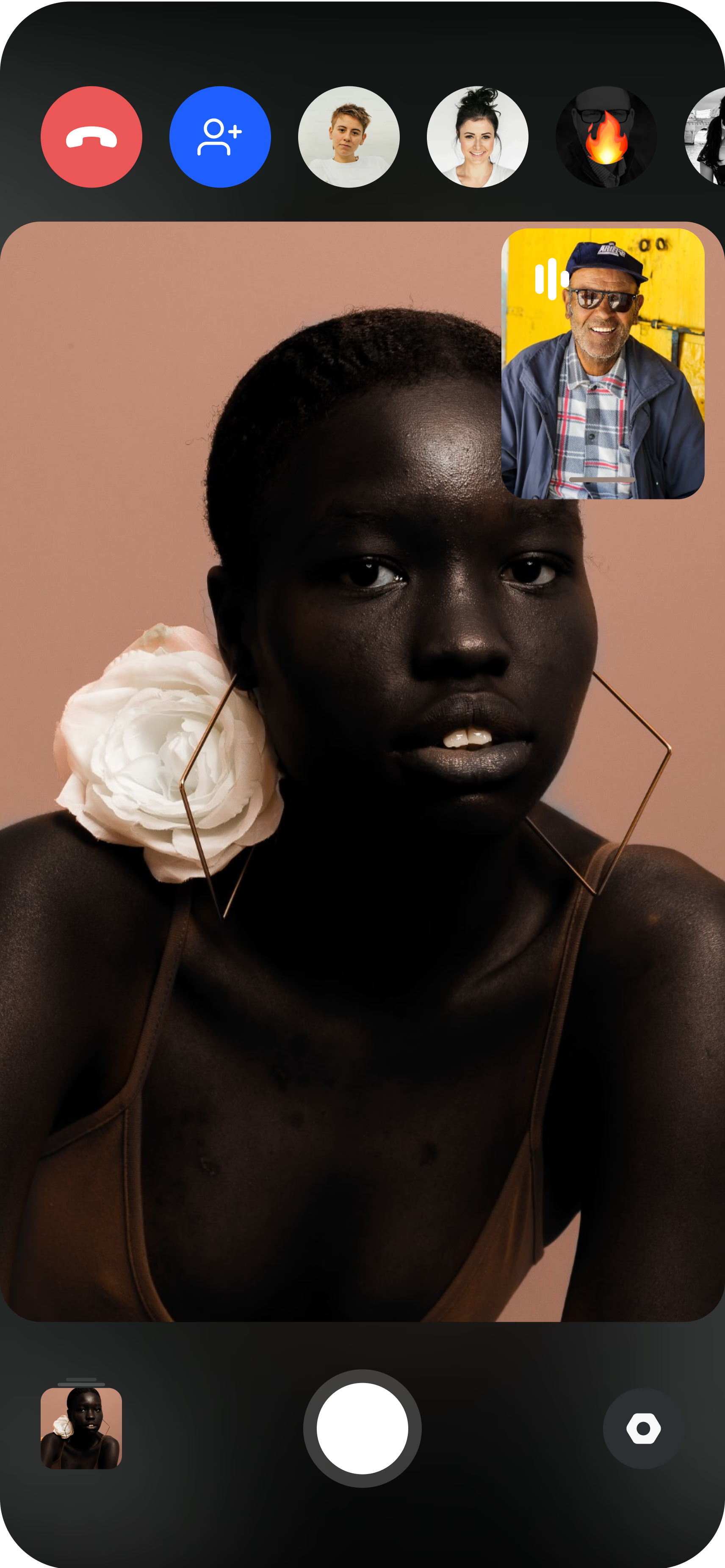
Get photographed remotely
Join the virtual room from your phone. The photographer directs the session from their browser — controlling shutter, focus and exposure — and your photos land in the cloud in full resolution.
Why matching beats booking directories
Type “book a photoshoot” into a directory and you get a lead form: describe your shoot, submit, and brace for a week of quote emails from photographers you know nothing about. Marketplaces are faster but blinder — you pick a slot and get whoever the platform assigns.
Discovery flips the order. You see each photographer’s actual portfolio before anything else, so the first decision you make is the one that matters most: do I want photos that look like this? Matching is mutual — nothing happens until both of you opt in — so the photographer you end up chatting with has already seen your profile and wants the shoot too. No quote spam, no assigned stranger, no pressure to commit before you have seen the work.
The chat is where the booking actually happens: concept, timing and terms — including price — are agreed directly between you and the photographer, with no middleman taking a cut or hiding the person behind a form.
Shoot from anywhere — no travel, no studio, no “nearby” limit
The searches that follow “book a photoshoot” tell the real story: near me, in my city, photographers nearby. If you live outside a major market, the photographer whose style you love is usually a plane ticket away — so you settle for whoever is local.
With CLOS, distance is not a constraint. The photographer runs the session from their browser while your iPhone or Android runs the CLOS app as the camera. You set your phone up at home, in your garden, in your favorite café — anywhere you feel like yourself — and they handle framing, focus and timing remotely. No commute, no studio rental, no stranger’s space. For a lot of people that comfort is the difference between stiff photos and good ones: you relax faster on your own turf. Our guide on how to do a remote photoshoot walks through the simple setup.
This works for whatever the occasion is. If you need something specific — professional remote headshots or family portraits — those have their own dedicated playbooks, but the booking flow is the same match-and-shoot.
What you get: real photos of the real you
Every CLOS shoot delivers full-resolution JPG photos captured by your phone’s actual camera — real light, real moments, directed by a real photographer. They are never AI-generated composites and never screenshots of a video call. If the photographer is on Pro, they can also capture RAW (DNG) and Apple ProRaw and use manual controls and your phone’s telephoto or ultra-wide lenses for retouch-grade files.
That is the line worth drawing against AI headshot generators: they render a plausible-looking person who is almost you, while a CLOS session photographs the person you actually are — see the full virtual photoshoot vs. AI headshot generator comparison. Instant previews arrive in the cloud as you shoot, full-resolution files follow, and everything downloads as a ZIP. Every session is end-to-end encrypted, so the photos are visible only to you and your photographer.
Who uses this
- People building a personal brand who need current, professional photos for LinkedIn, a website or a launch — see CLOS for individuals.
- Dating-profile upgraders who want photos that look like their best real self, not a filtered selfie or an AI render.
- People marking an occasion — graduation, maternity, a couples session — who want it photographed properly without organizing a studio day.
- People outside big cities for whom “no good photographers near me” used to be the end of the conversation.
- Camera-shy people who relax more at home, with the photographer present as a voice and a director rather than a lens in the room.
Frequently asked questions
How do I actually book a photoshoot on CLOS? +
How much does a personal photoshoot cost? +
Do I need equipment or modeling experience? +
Can a photoshoot really work remotely? +
Is a remote photoshoot private? +
What if I'm awkward in front of a camera? +
Related
- Discovery — collaborator matching
How the swipe-style matching feature works.
- CLOS for individuals
What a remote photoshoot looks like when you are the subject.
- Remote headshots
Book a professional headshot session that runs entirely remotely.
- How to do a remote photoshoot
Step-by-step setup for your first remote session.
Your photoshoot starts with a match
Open Discovery in the CLOS app, find a photographer whose style you love, and get photographed from wherever you are. Free to start — no credit card required.