Remote Family Portraits
Relaxed, professional family photos taken in your own home — a photographer directs the camera on your phone while your family just enjoys the moment.
Short answer
A remote family portrait is a real photo session shot in your own home, where a photographer directs the camera on your phone from anywhere instead of coming to you. You mount the phone on a tripod or stand so the whole family is in frame, and the photographer sets the framing, focus and exposure and triggers full-resolution stills remotely. The result is genuine photographs of your family — not AI images or video-call screenshots — delivered straight to a cloud album. It replaces a studio visit or a home call-out with a relaxed session on your own schedule.
Key takeaways
- Relaxed photos at home — your family stays comfortable while a real photographer directs the shot from anywhere
- The phone is mounted so everyone is in frame — set it on a tripod or stand, and the photographer triggers the shutter remotely
- Real full-resolution photographs — directed live on your phone's actual camera, not AI-generated and not a video still
- No studio visit, no travel, no stranger in the house — just a link, and photos land in your cloud album as they are shot

How it works with CLOS
Family sessions live or die on how relaxed everyone is. Kids fidget, pets wander, and the drive to a studio uses up the good mood before the first frame. CLOS keeps the family at home and moves the photographer’s eye onto your phone instead.
Set up a room and mount the phone
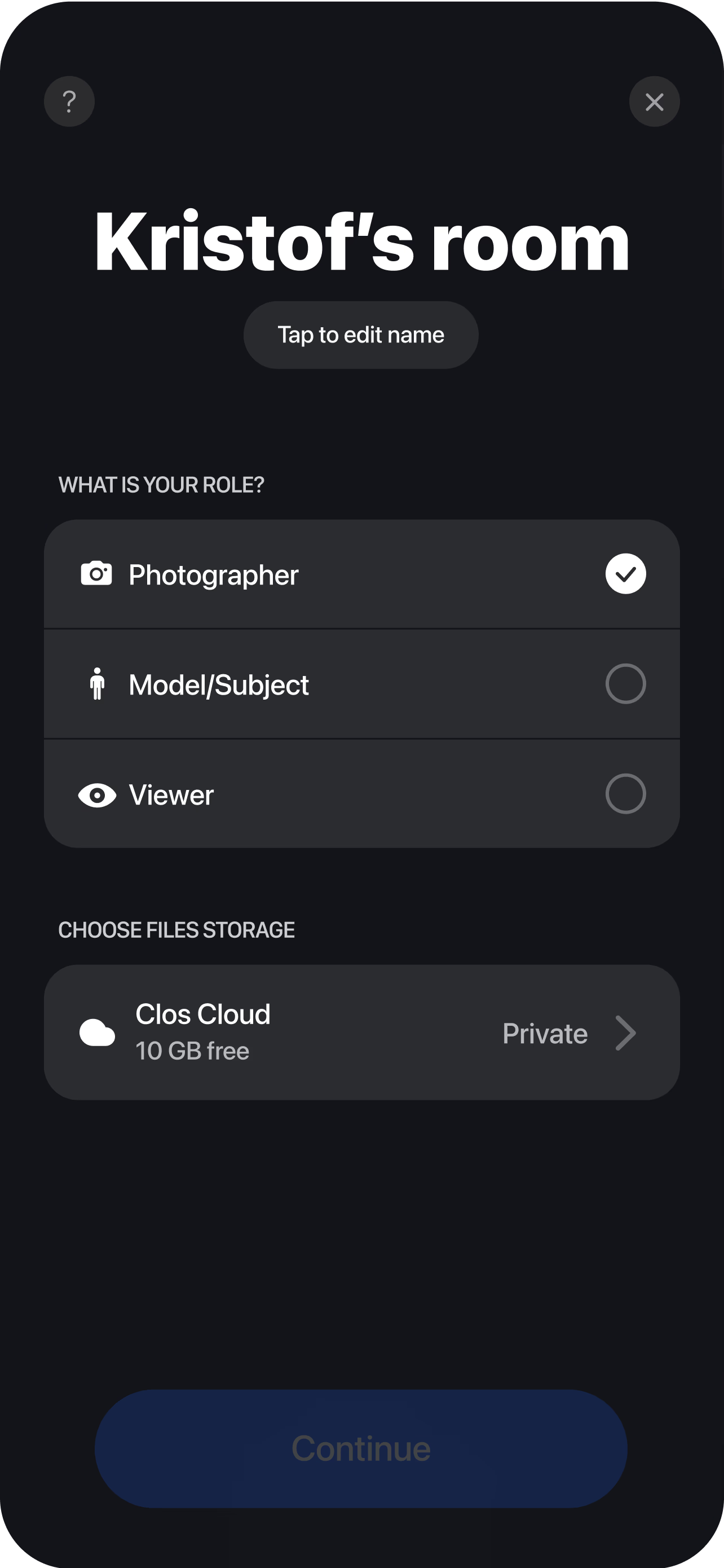
Create a session and send the photographer a single link. Prop your phone on a tripod, a shelf or a stand, roughly at chest height, so the whole family fits in the frame. There is nothing for the photographer to install to join, and no appointment to drive to.
Get the family in frame
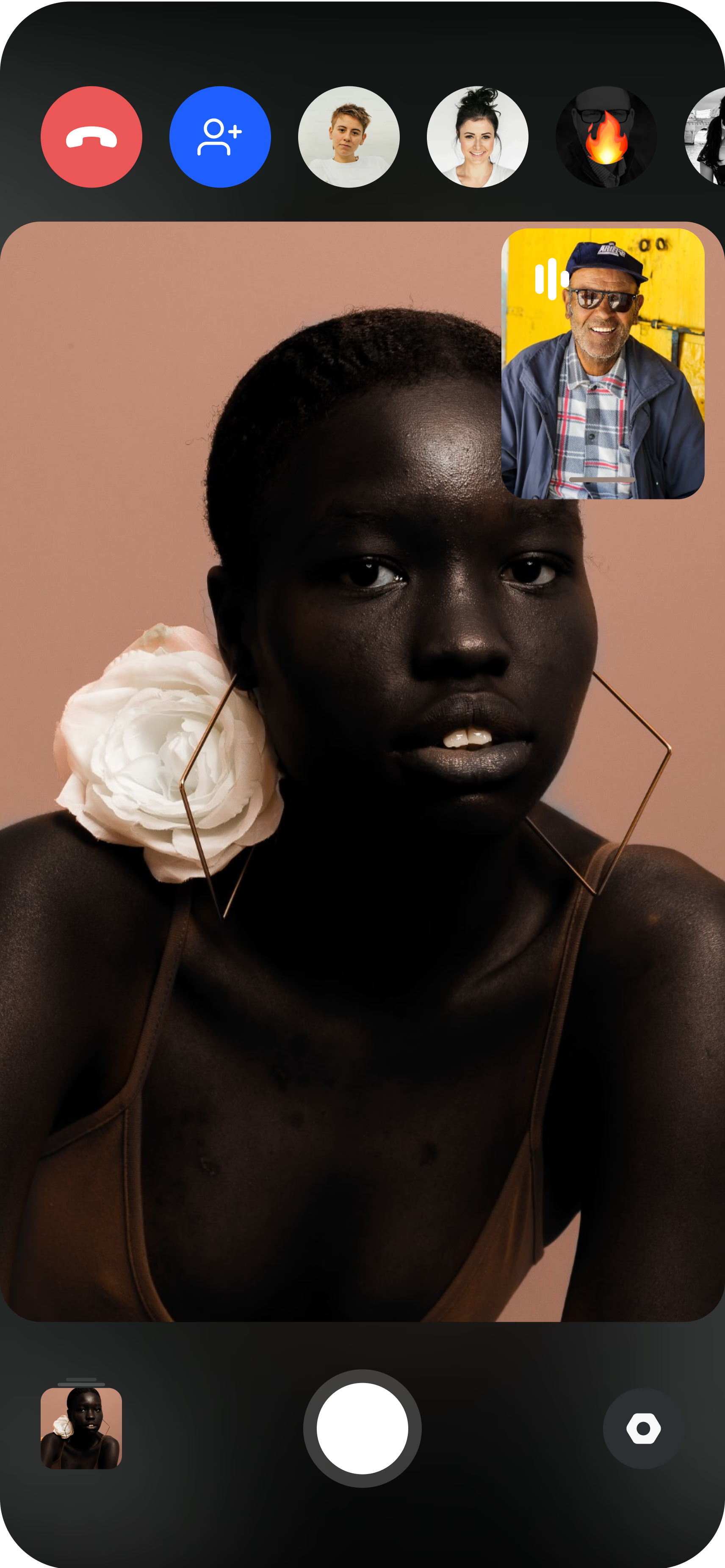
Gather everyone in front of the mounted phone — on the sofa, by the window, in the garden. Because the phone is on a stand, no one has to hold it, so parents, kids and pets can all be in the picture together. The photographer sees the live feed instantly.
The photographer directs and captures to the cloud
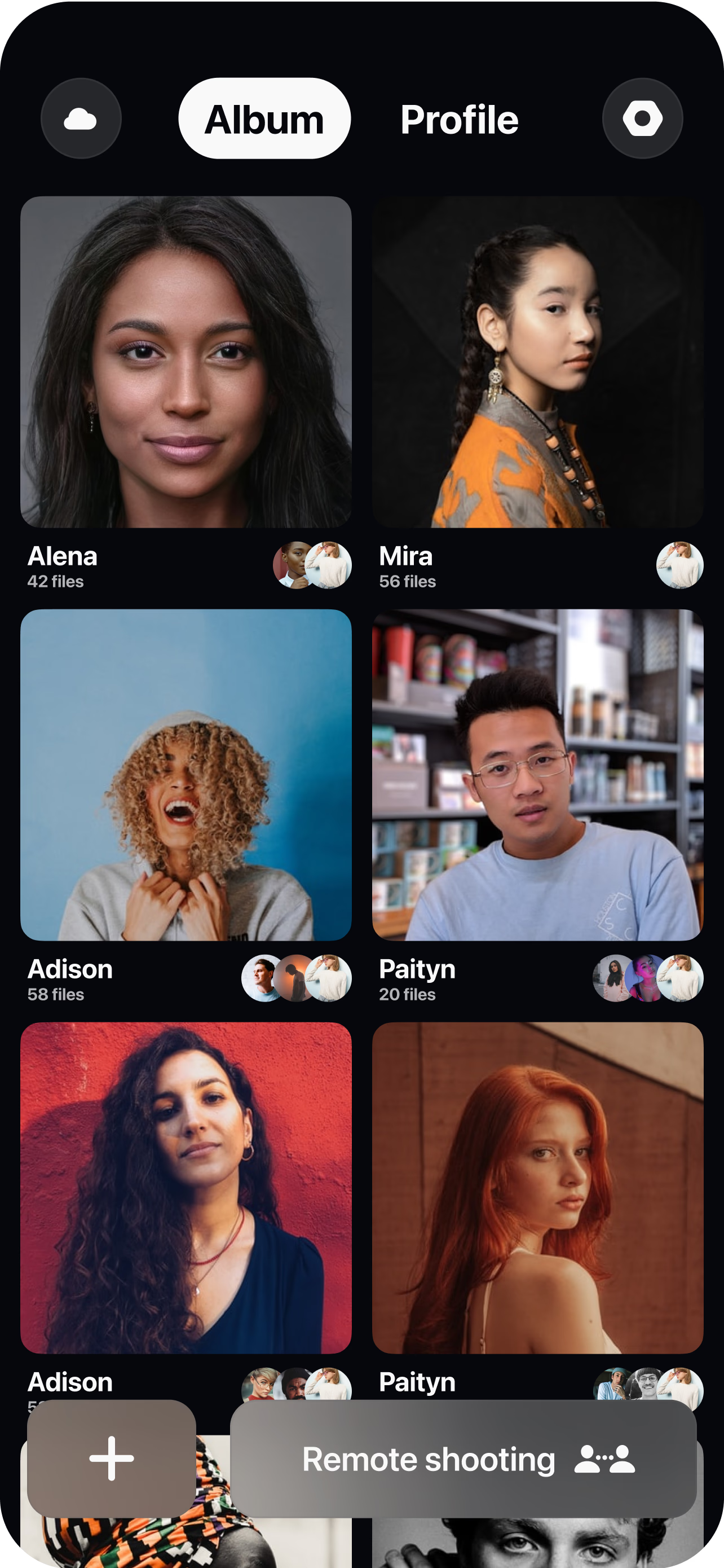
From their own screen the photographer squares up the frame, sets focus and exposure, calls out a pose or a laugh, and triggers full-resolution stills at the right moment. Every frame uploads to your cloud album as it is shot, ready to review together before anyone moves.
Relaxed at home, with real photos
The hardest part of a family portrait is rarely the camera — it is getting five people, one of them a toddler, to look natural at the same time. That is far easier at home, on familiar ground, with snacks in the fridge and no clock running on a studio booking. Remote family portraits keep that comfort and add a professional eye through remote camera control: the photographer decides the framing, the focus and the exposure, and keeps shooting until the frame is right, exactly as they would standing in your living room.
What you get back is real photography. Modern phone cameras comfortably clear the resolution most families ever need for prints and albums; what usually separates a snapshot from a portrait is direction — the height of the camera, the moment of the shutter, the exposure that keeps a bright window from blowing out. A directed remote session fixes those three things without turning your evening into a studio production. These are genuine full-resolution photographs of your actual family, not AI-generated images and not screenshots pulled from a video call.
Who directs when everyone is in the shot
The obvious question for a family portrait is: if everyone is in the picture, who works the camera? With CLOS the answer is that no one in the room has to. The two common setups are simple. The first is a tripod or stand: mount the phone, and the photographer triggers the shutter remotely, so parents, children and pets can all be in frame at once with the whole family looking the same way. The second is a helper — an older child, a friend or a neighbour — who simply holds the phone steady while the photographer directs; they need no photography skill because every creative decision happens on the photographer’s side.
Either way, the person behind the idea of the photo does not have to be behind the phone. That is the real shift: a family portrait usually forces a parent to either be in the picture or take it, never both. Remote direction removes that trade-off, so the whole family can be together in the frame while a professional handles the craft.
Delivery and sharing
Every frame streams to your cloud album the moment it is captured through real-time cloud delivery, so you can gather round and pick favourites while everyone is still dressed and in a good mood, then reshoot the one where the baby blinked. There is nothing to hand over and no waiting on a turnaround. You can download a single hero shot, a hand-picked selection, or the whole session as a ZIP, and share the album with grandparents who live far away the same evening. On Pro plans, RAW (DNG) capture gives a retoucher extra latitude, and non-expiring albums keep a year’s family photos available for as long as you want them.
Who uses this
- Families capturing a milestone — a new baby, a graduation, a holiday gathering — without booking a studio or a home call-out.
- Parents who are always the ones taking the photos and want to finally be in the frame with everyone else.
- Grandparents and distant relatives who want a portrait session with a family they cannot easily travel to, directed remotely and shared instantly.
- Photographers offering relaxed at-home family sessions to clients anywhere — see the photographers persona page.
- Families with young kids or pets who photograph far better on home turf than in an unfamiliar studio.
Frequently asked questions
What is a remote family portrait? +
Who holds or triggers the camera if the whole family is in it? +
Do phone photos look professional enough for a family portrait? +
Can we do this with young kids? +
What does it cost? +
Is a remote portrait as good as a studio session? +
Pros and cons
Remote and in-person family sessions solve slightly different jobs. This is an honest comparison of where each one is stronger.
| Remote family portrait | In-person studio session | |
|---|---|---|
| Where it happens | Your own home or garden, on familiar ground | A studio or a booked location you travel to |
| Cost | Free to start; Pro from $7.99/month, no travel or call-out fee | Session fee plus travel, typically much higher per shoot |
| Comfort for kids and pets | High — home turf, own toys, no stranger in the room | Lower — unfamiliar space and a new person to warm up to |
| Directing the pose | Photographer directs framing and timing live and remotely | Photographer stands with you and hands-on stages the group |
| Lighting | Natural window and daylight; you work with what the room has | Full control with studio strobes, modifiers and backdrops |
| Delivery | Frames land in a cloud album as shot; share instantly | Delivered after the session once files are edited and sent |
For a relaxed, natural family portrait, remote direction gives you professional results at home for a fraction of the cost. For an elaborate posed and lit studio set — controlled backdrops, studio strobes and precise group staging — an in-person shoot is still the better choice, because that look depends on physical lighting and hands-on posing that cannot be arranged remotely.
Related
- Remote newborn photography
Candid first-days-at-home baby photos, directed remotely.
- Remote headshots
Directed professional headshots, shot on the subject's phone.
- Guide: how to do a remote photoshoot
Set up and run a remote session end to end.
- For photographers
How photographers run directed remote sessions with CLOS.
- Find your photographer with Discovery
Match with a photographer whose style you love, wherever they are.
Give your family a relaxed portrait session at home
Create a room, send your photographer a link, mount the phone, and start capturing real family photos in minutes. Free to start, no credit card required.