Remote UGC Campaigns — Direct Creators at Scale, Capture Ad-Ready UGC Remotely
Brief many creators, control their cameras remotely, and produce authentic-but-consistent UGC photo and video for ads. Full-resolution files land in the cloud as you shoot — so you can test and iterate fast.
Short answer
A remote UGC campaign is user-generated content produced at scale without flying anyone anywhere. With CLOS you brief many creators, then either direct each one’s phone camera live — framing, focus, exposure — or let AI CAM guide the framing on a solo shoot. Every capture is a real, full-resolution photo or video that lands in one shared cloud album as it is shot, so you can collect a whole batch of authentic, on-brand content and start cutting ad variations the same day.
Key takeaways
- Direct creators at scale — run a room per creator and keep framing and quality consistent across every shoot
- Two ways to shoot — control the camera live, or let AI CAM guide the framing on a solo creator's shoot
- One cloud album — full-resolution photo and video land as you shoot, and the files are yours to collect and download
- RAW and Apple ProRaw on Pro plans, with non-expiring albums to feed always-on testing
How it works with CLOS
CLOS keeps creator shoots fast and repeatable, so you can scale from one creator to fifty without losing the look.
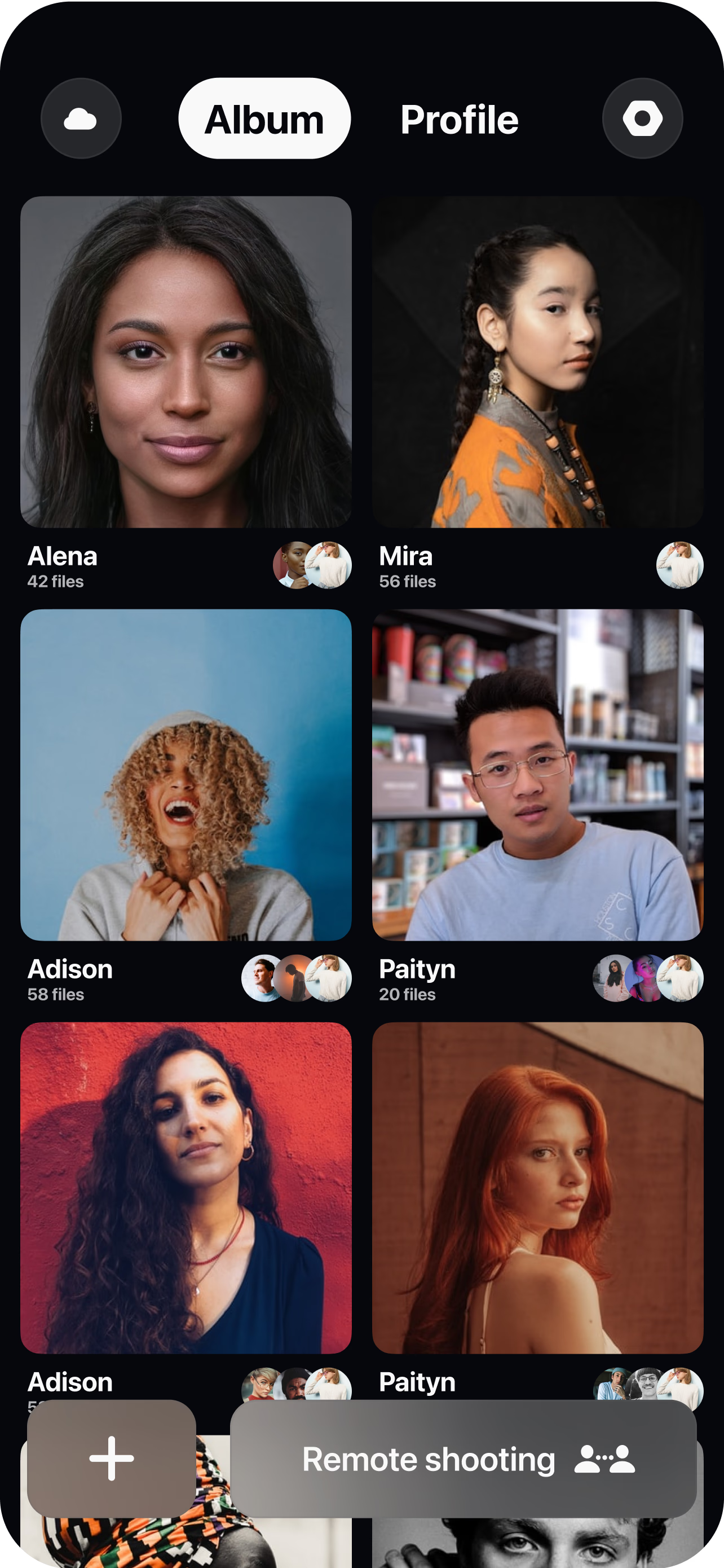
Brief and open a room per creator
Build the shot list once, then create a virtual room and send each creator a single link — no app-store hunt, no scheduling a studio.
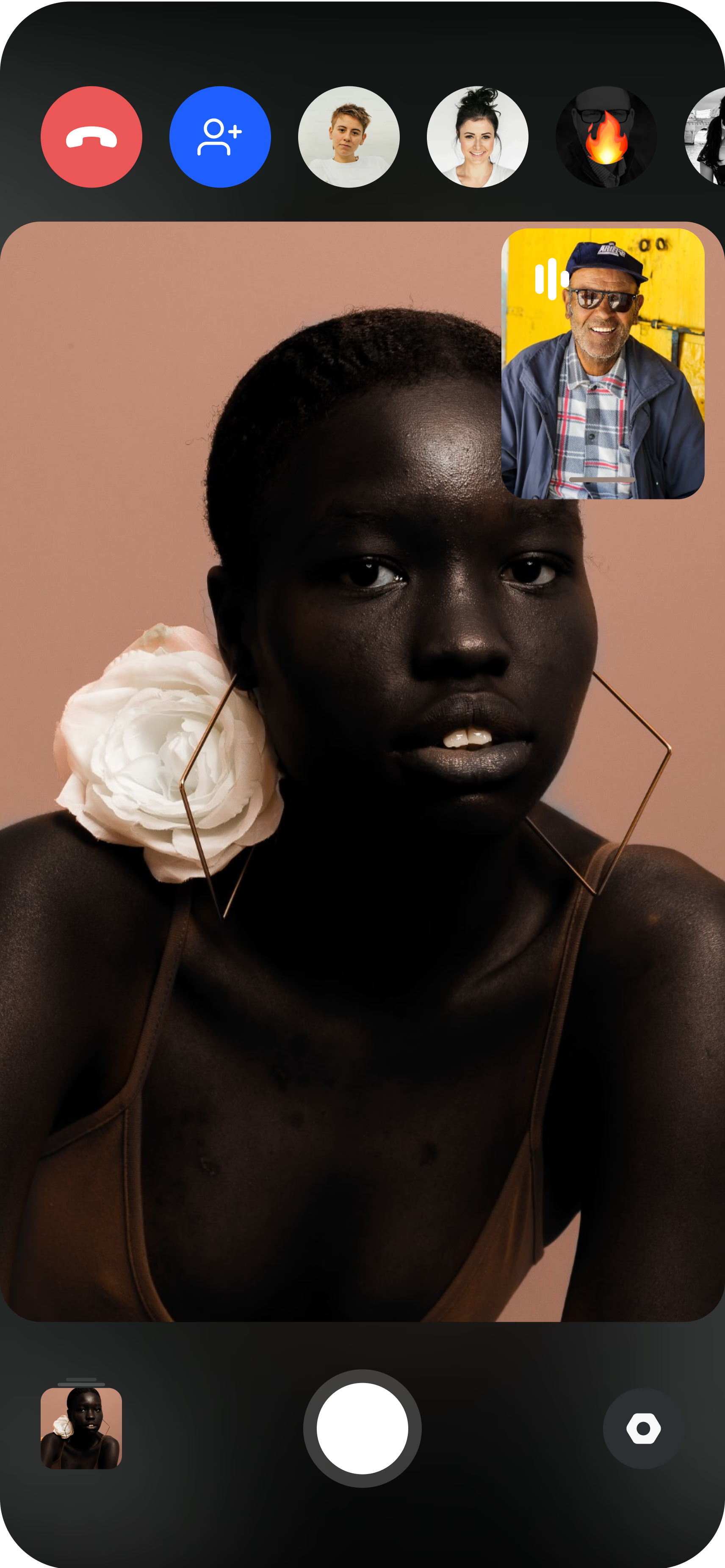
The creator joins from their phone
They prop the phone on a tripod or hold it, and you see their live camera feed in their real environment. For a solo creator with no one to direct them, AI CAM guides the framing instead.
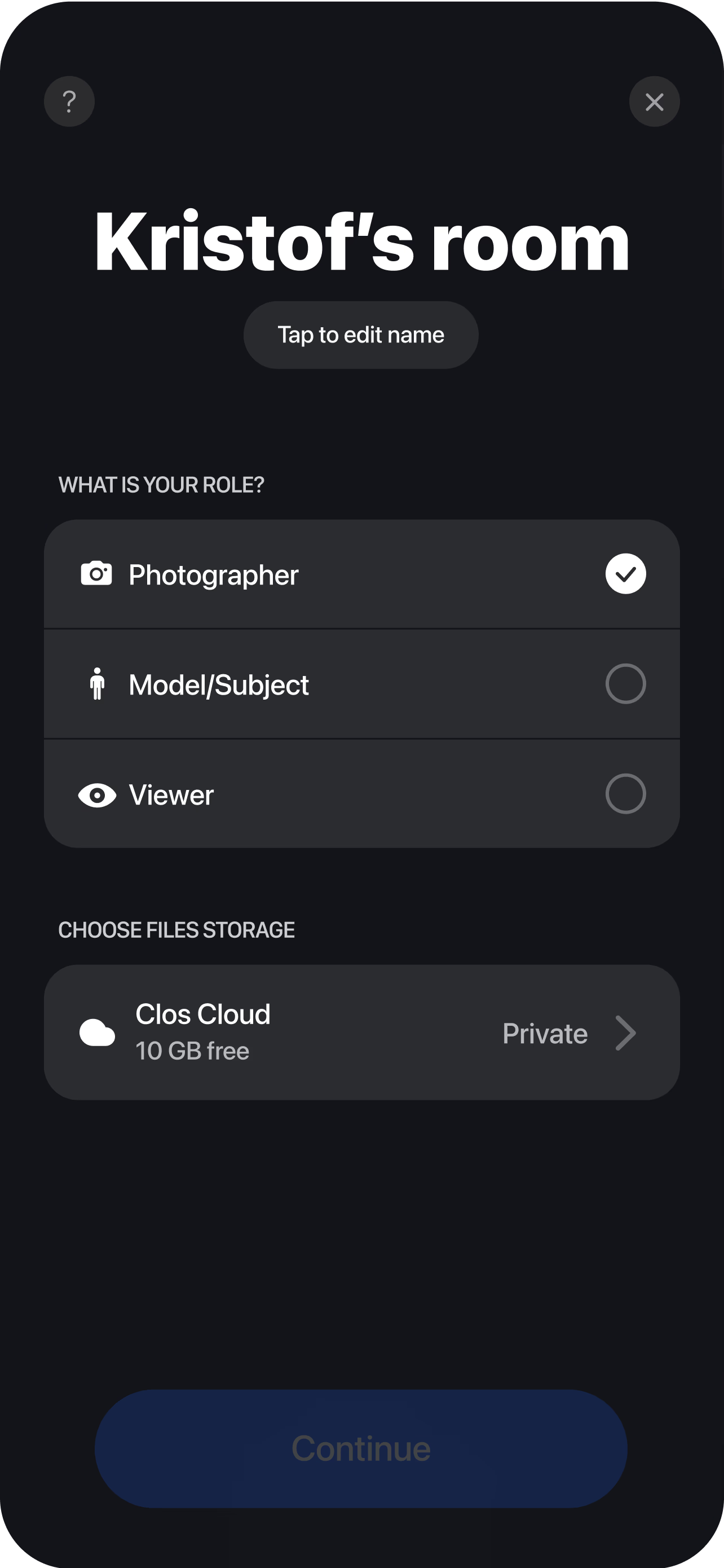
Direct and capture remotely
Set the framing, adjust focus, ISO and white balance, and trigger photo or video capture so every creator delivers the same on-brand quality. Each clip and frame uploads to one cloud album in real time, so editors can cut hooks, variations and aspect ratios while the next creator shoots.
Campaign ops: brief, shoot, one album
A remote UGC campaign runs as a simple loop repeated across a roster. You write the brief and shot list once, open a room per creator, and each creator shoots their part — either directed by you live or guided by AI CAM on their own — with every capture flowing into a single shared album.
That two-mode setup is what makes the loop scale. When a shoot needs a steady hand on the camera — a product that has to stay sharp, a hook that has to be framed a specific way — you take control of the creator’s phone and run it yourself. When a creator is comfortable working solo and you just need volume, AI CAM gives them real-time framing guidance so they can position themselves and shoot without anyone on the line. AI CAM assists framing for a real capture; it never generates an image, so what lands in the album is a genuine, full-resolution file of a real creator with your real product.
Because everything collects in one place, campaign ops stay sane even as the creator count climbs. You are not stitching together files from a dozen inboxes and download links — you brief, the creators shoot, and the content lands in the album ready to hand to an editor. You directed the shoot and the files are yours to collect and download; there is no waiting on a creator to dig out the original and re-send it.
Quality control live, not after delivery
The usual way to scale UGC is to ship product to creators, write a brief, and hope the footage matches — then discover a week later that the lighting is off, the framing is wrong, or the resolution is too low for a paid placement. Quality control happens after delivery, when it is too late to fix anything without a reshoot.
CLOS moves that control to the moment of capture. Through remote camera control you set the frame, lock focus, and correct exposure before the shutter fires, and on Pro plans you reach ISO, shutter speed and white balance so thirty creator shoots can be matched to one look. You are watching the shot as it happens, so a take that is close but not right gets a second attempt on the spot instead of a re-record request days later. The authenticity that makes UGC convert stays intact — these are real creators in real settings — but the guesswork is gone, because you are directing the capture rather than grading whatever arrives.
Scaling batches across creators
Scaling is a matter of throughput, and CLOS is built to keep each shoot short. You run a separate room per creator and move from one to the next in minutes, so a batch of ten or thirty creators is a sequence of quick, directed sessions rather than a logistics project. There is no product to ship, no studio to book, and no travel to coordinate — a link is the entire setup.
Delivery keeps pace through real-time cloud delivery: every clip and frame streams into the campaign album the instant it is captured, so editing starts before the batch is even finished. You download a single asset, a hand-picked selection, or the whole batch as a ZIP, and on Pro plans the album does not expire — so when a winning ad needs a fresh variation next quarter, the source content is still there. That is what turns UGC from a one-off scramble into an always-on pipeline feeding tests across Meta, TikTok and YouTube.
Who uses this
- Growth and performance marketing teams running always-on creative testing — see how CLOS fits the workflow on the marketing teams persona page.
- Brand and social teams producing on-brand UGC at volume without a studio.
- UGC and creator managers coordinating shoots across a whole roster from one dashboard.
- Agencies delivering batches of ad-ready creator content for their clients.
Frequently asked questions
What is a remote UGC campaign? +
How do I scale a campaign across many creators? +
How is directed capture different from AI CAM? +
How does this compare to marketplace UGC on quality and rights? +
What does it cost to produce UGC this way? +
Do creators need to install anything? +
Related
- Remote UGC product reviews
Capture creators reviewing and demoing your product.
- Remote influencer collaborations
Direct paid and gifted creators across markets.
- Guide: the complete remote shoots guide
End-to-end playbook for planning and running a remote shoot.
- For marketing teams
How growth teams produce ad creative with CLOS.
Scale your next UGC campaign without the logistics
Brief your creators, direct their cameras remotely and pull ad-ready assets the same day. Free to start — no credit card required.