A Personal Branding Photoshoot in the Places Your Brand Actually Lives
Match with a personal brand photographer whose editorial style fits you, then shoot the whole set — portraits, at-your-desk, details — remotely from your own office or home, with the photographer directing your phone's camera.
Short answer
A personal branding photoshoot produces a consistent library of photos — not one headshot — for your LinkedIn, website, press kit and social channels. With CLOS you match with a photographer whose style fits your brand in Discovery, agree the shot list in chat, and shoot remotely: the photographer directs your phone’s camera while you work from your real office or home, and the full-resolution files land in the cloud the same day.
Key takeaways
- A library, not a headshot — a branding set covers portraits, working shots, details and multiple crops so every channel has something on-brand
- Match on style — browse photographer portfolios in Discovery and pick the editorial look that fits your brand before you ever chat
- Your real environments — shoot in the office, home studio or workspace where your brand actually lives, not a rented set
- Real photos, never AI — every frame is a genuine capture from your phone's sensor, with RAW available on Pro
How it works with CLOS
A branding shoot has three parts — finding the right photographer, planning the set, and shooting it. With CLOS all three happen without anyone booking a studio or getting on a plane.
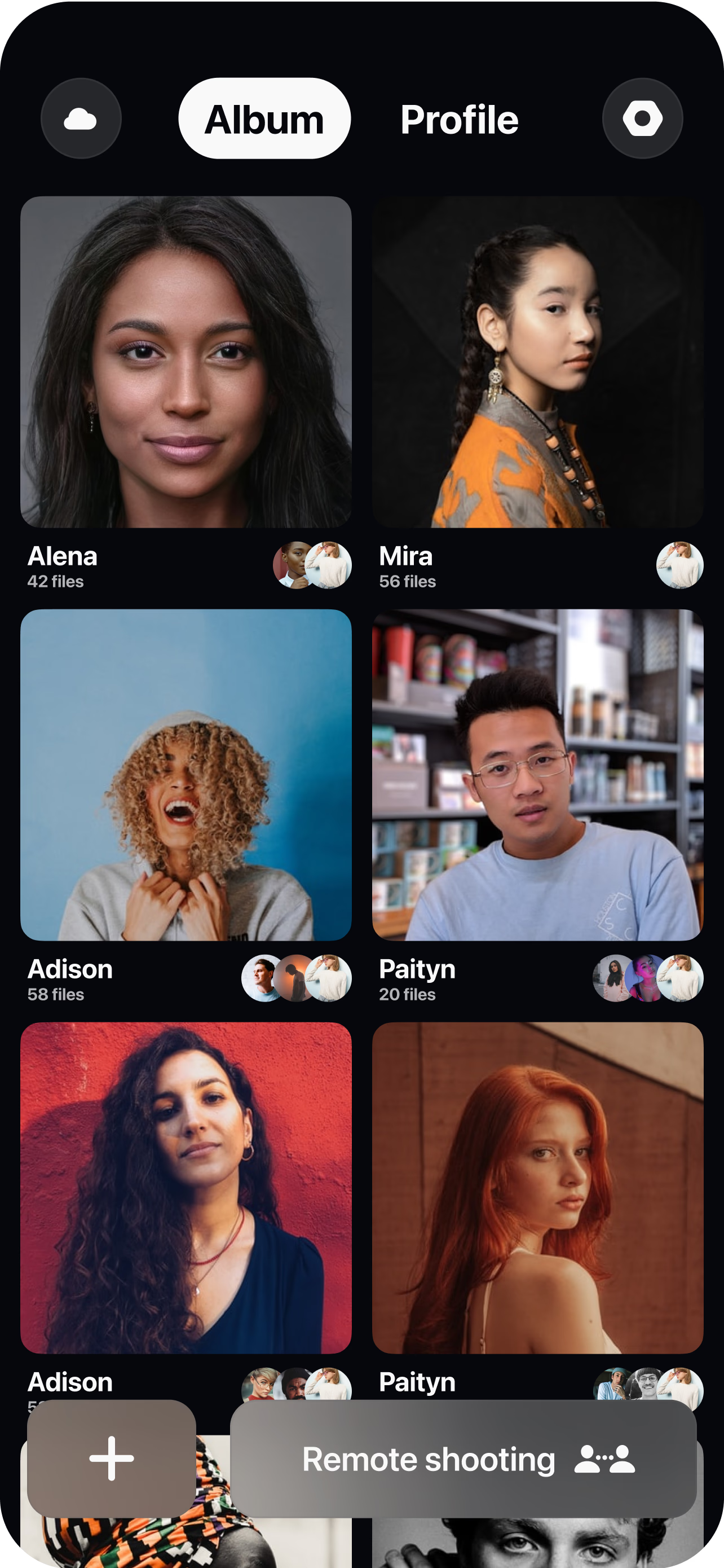
Match with a photographer whose style fits your brand
Open Discovery in the CLOS app and browse photographer portfolios swipe-style. Like the ones whose editorial look matches the brand you are building; a mutual like opens a chat where you agree the terms.
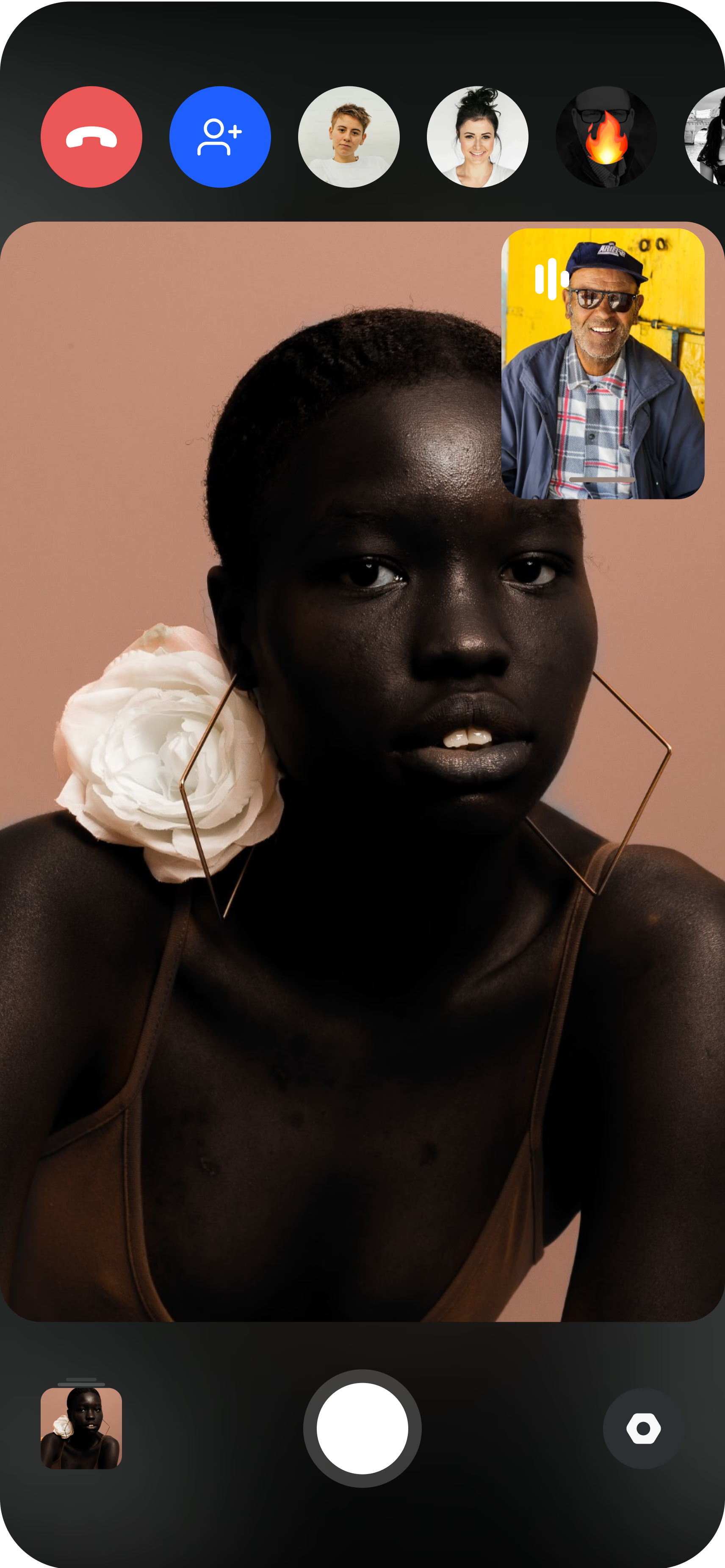
Plan the shot list together
In chat, build the brief: outfits, the corners of your home or office you will shoot in, and the formats you need — vertical for social, horizontal for the website header, tight crops for avatars.
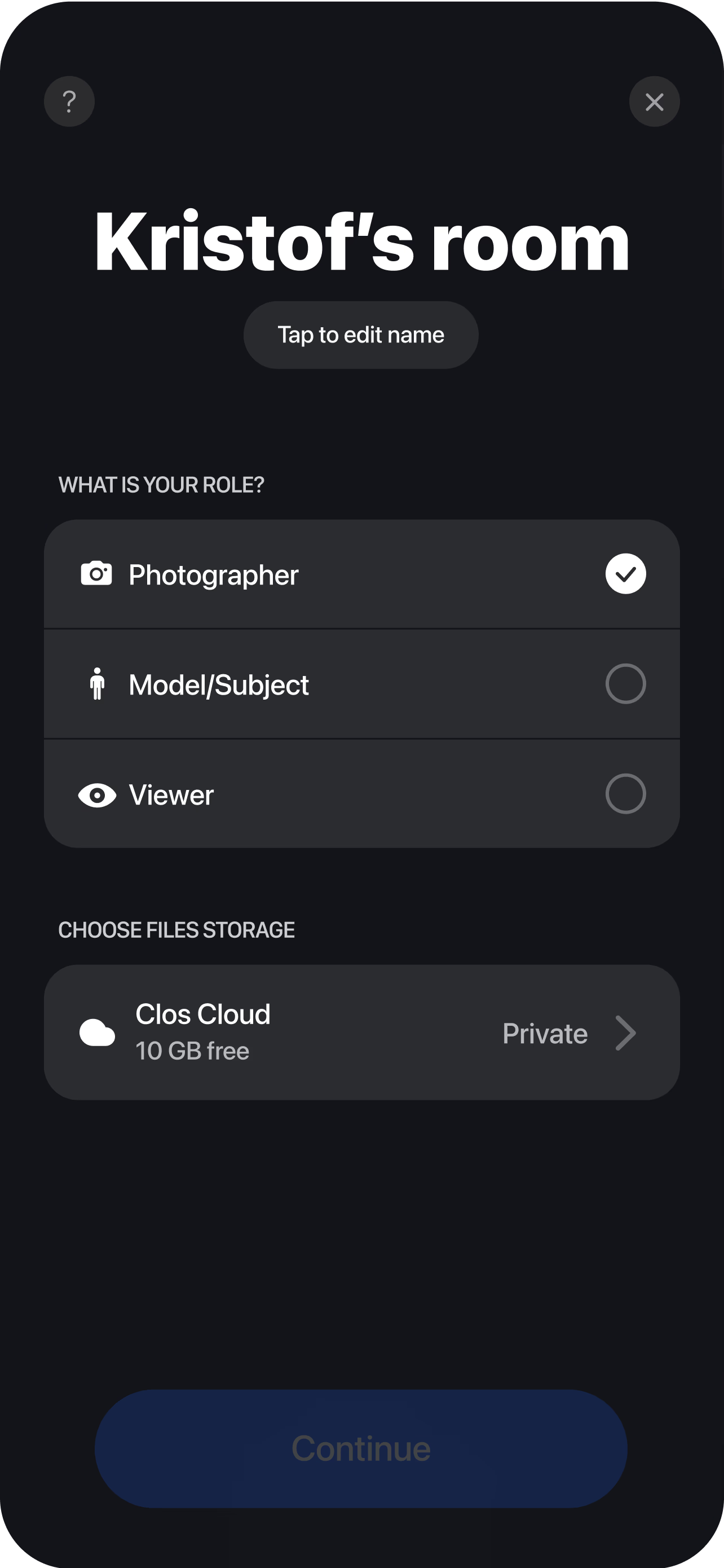
Shoot remotely with live direction
Join the virtual room from your phone. The photographer directs the session from a browser — controlling shutter, focus and exposure remotely — and the full-resolution files arrive in the cloud the same day.
What a personal branding set includes
The point of a branding shoot is coverage: enough consistent images that you never have to pair a polished headshot with a grainy phone snap. When you plan the shot list with your photographer, work through these categories:
- Portraits — a clean headshot-style frame plus a few looser, more personality-forward portraits. If a single headshot is all you need, a remote headshot session is the faster route.
- Working shots — you at your desk, on a call, writing on a whiteboard, doing the thing you are known for. These carry your About page and press features.
- Detail and environment shots — your workspace, tools, notebook, coffee cup, bookshelf. They fill out websites and social posts without putting your face in every frame.
- Both orientations and multiple crops — vertical frames for Stories and Reels, horizontal for website banners, and room around the subject so designers can crop without cutting off your head.
None of this is a package CLOS sells — it is the brief you and your photographer agree in chat before the session, so the hour you spend shooting fills every slot you actually need.
Why a remote shoot fits personal branding
Branding photos are supposed to show your world — and a rented studio is, by definition, not it. Shooting remotely through CLOS means the backdrop is your actual office, your home workspace, the desk where the work happens. That authenticity is precisely what a branding set is for, and it comes free with the format.
It also changes the economics of staying current. A personal brand needs a refresh — new role, new hair, new season, a product launch — and when the “production” is you, your phone and a photographer joining from a browser, refreshing the set is a chat message, not a re-booked production day. No travel for either side, no studio rental, no waiting for the photographer to be in your city. If you have never shot this way, the guide on how to do a remote photoshoot walks through the setup, and CLOS for individuals covers what the app looks like from the subject’s side.
Real photos of the real you — not AI
AI headshot generators will sell you a face that is almost yours in a blazer you never wore. That is a risky foundation for a personal brand: the whole premise is that people meet the same person in real life that they saw on LinkedIn. Every image from a CLOS session is a real photograph captured from your phone’s actual sensor — never AI-generated, never a screenshot — with full-resolution JPG on every plan and RAW (DNG) on Pro for serious retouching. See the full comparison: virtual photoshoot vs AI headshot generators.
Who uses this
- Founders and executives who need a consistent image library for the website, investor decks and press requests.
- Consultants and coaches whose face is the product — landing pages, webinar promos and social proof all pull from the same set.
- Creators and solo builders feeding newsletters, YouTube thumbnails and social feeds that burn through imagery fast.
- Job seekers upgrading a LinkedIn profile from one stiff headshot to a page that actually looks like a person.
- Teams standardizing branding photos across many people — see remote corporate headshots for the multi-person program.
Frequently asked questions
What is a personal branding photoshoot? +
How many photos do I need for a personal brand? +
Can real branding-quality photos come from my phone? +
What should I wear and prepare? +
How often should I refresh my branding photos? +
What does a personal branding photoshoot cost? +
Related
Build the photo library your brand deserves
Match with a photographer whose style fits your brand, plan the shot list together, and shoot the whole set from your own office or home. Free to start — no credit card required.