Remote Customer Case Study Photography & Video — Real Customer Stories, No Crew Travel
Shoot authentic, on-brand photos and b-roll of real customers at their own location by directing their phone camera remotely. Full-resolution stills and video for case-study pages, decks and ads — without flying a crew out.
Short answer
A remote customer case study video is a narrative customer story filmed without a crew visit: the customer joins from their own phone, and your producer directs the camera remotely to record a question-led interview plus environmental b-roll of their space and product in use. With CLOS the footage is captured at full resolution and lands in your cloud dashboard as you shoot, so marketing gets a real, on-brand story in one session instead of weeks of coordination.
Key takeaways
- A whole story, not a single clip — a directed interview plus b-roll of the customer's real environment in one remote session
- You direct the camera — framing, focus and exposure on the customer's phone, so the story looks intentional
- Real customers, real places — genuine full-resolution footage, not stock or AI mockups
- Full-resolution video and stills, RAW on Pro, delivered to your cloud dashboard in real time

How it works with CLOS
CLOS keeps a case study close to a real on-location shoot — the interview, the b-roll and the direction — minus the travel and the day rate.
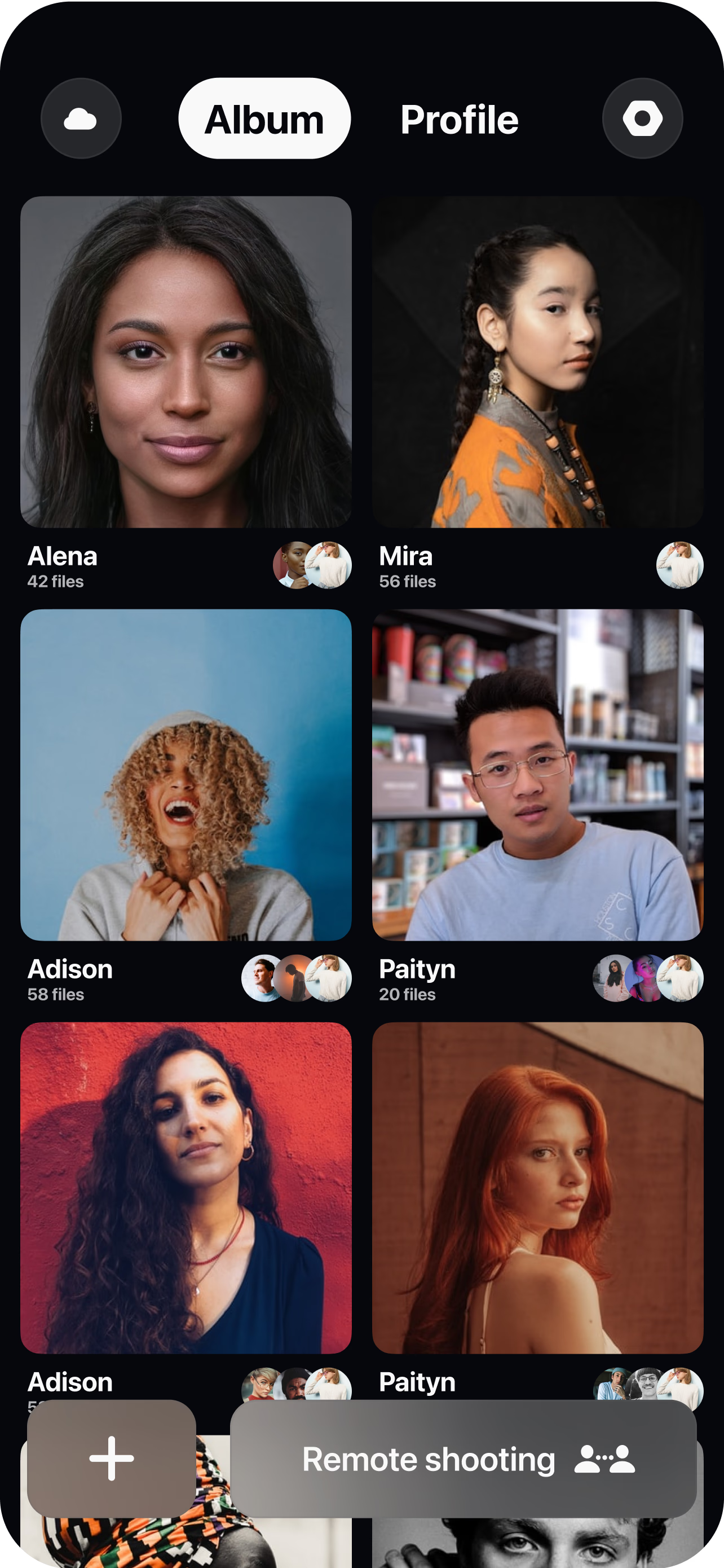
Brief the customer and open a room
Send a single link, share your interview questions and a short b-roll shot list (a wide of their space, product in use, a couple of portraits), and spin up a virtual room in seconds. The customer needs nothing but their phone.
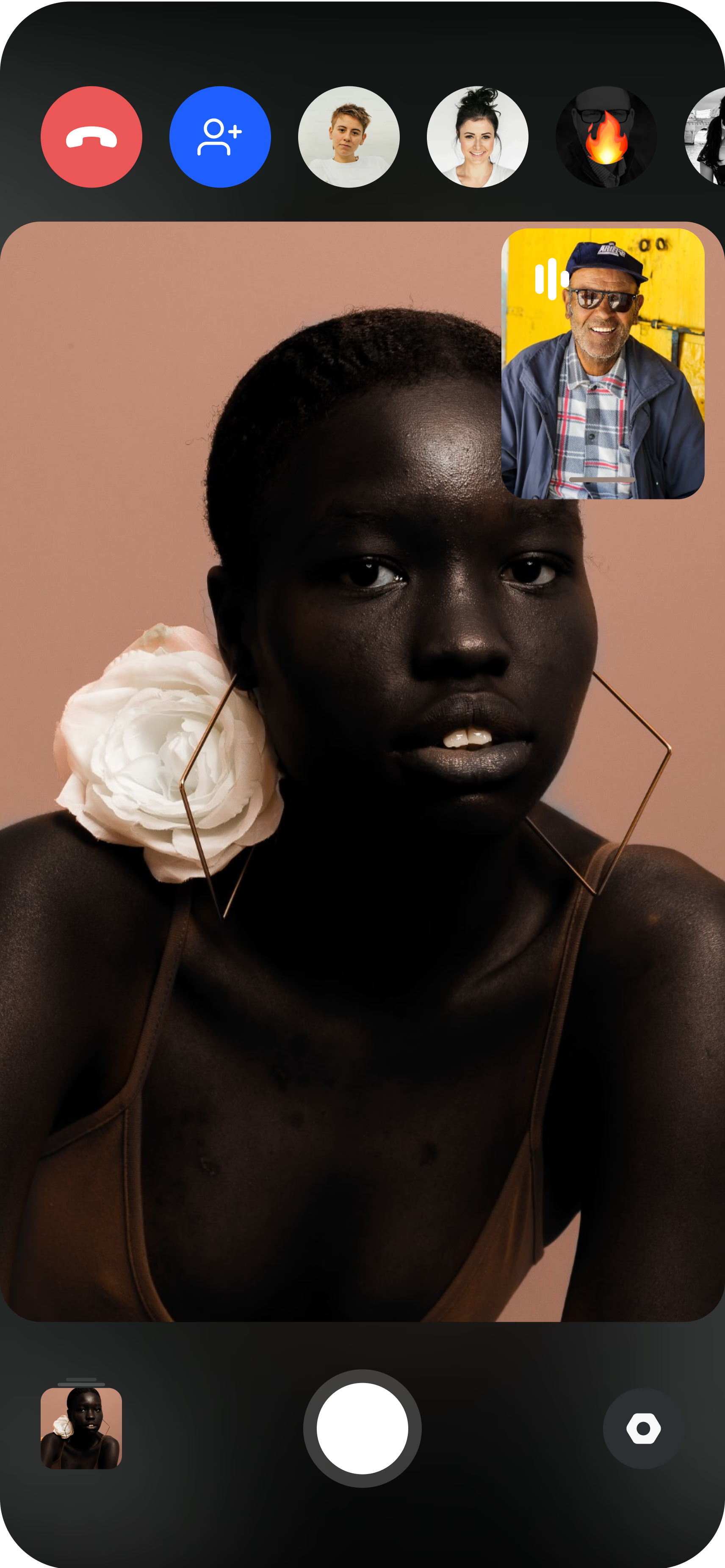
Pair the customer's phone
The customer joins from their iPhone or Android and props it on a desk, shelf or small tripod. You see their live feed instantly and can guide placement, height and background before a single frame is shot.
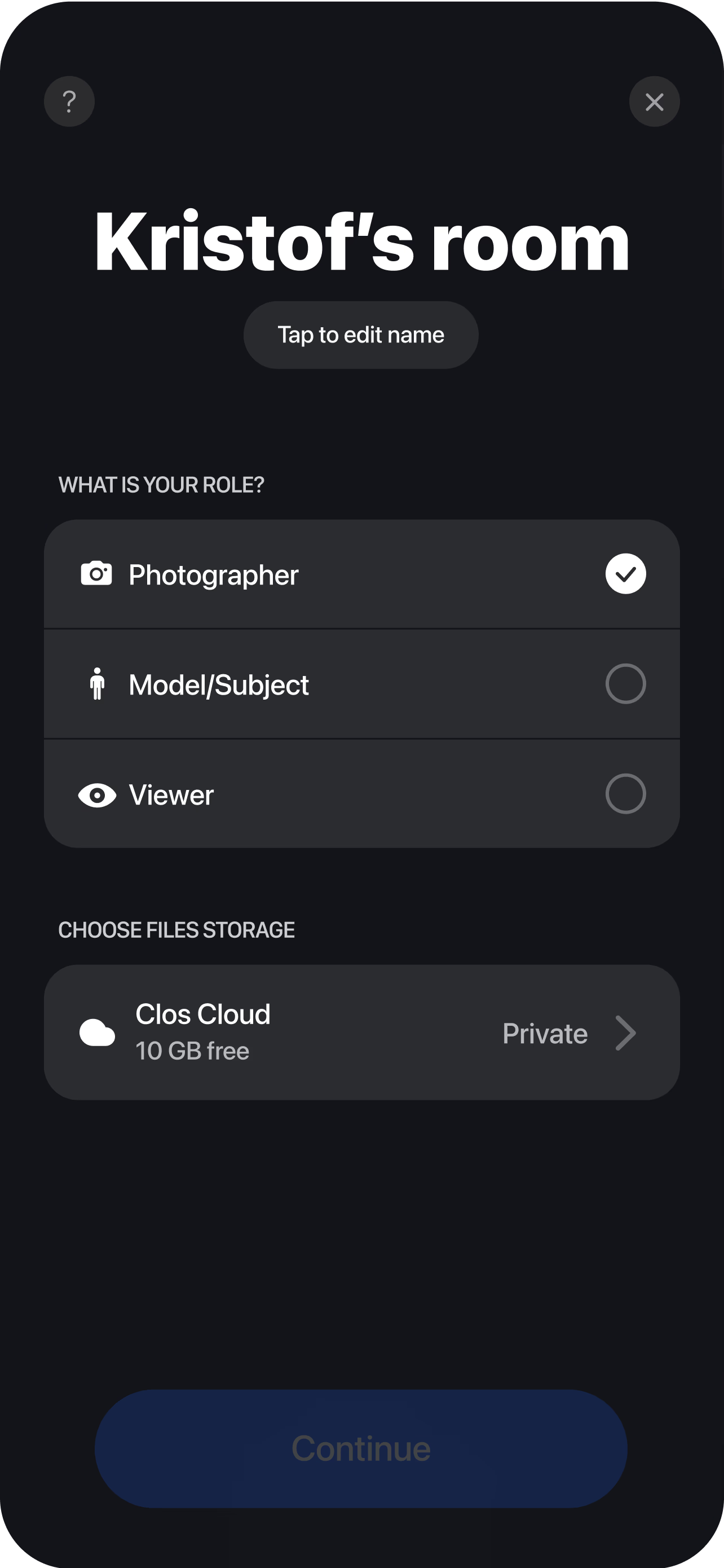
Interview, capture b-roll and deliver
Run the questions while you set framing, focus and exposure — plus ISO, shutter speed and white balance on Pro — then roll the interview and grab supporting b-roll. Every take uploads to your dashboard in real time, so your editor can start cutting the case study before the call even ends.
Why case-study video usually stalls
Case studies are the highest-trust content marketing produces, and they are the hardest to ship. The bottleneck is almost never the customer’s willingness — it is the logistics. Filming a customer story the traditional way means scheduling a videographer, booking travel to the customer’s site, and asking a busy customer to give up half a day so a crew can set up, light a room and shoot. Line up all three calendars — producer, crew, customer — across a flight and you can watch a quarter go by before a single frame is captured, and by then the reference deal you wanted to feature has often moved on.
The remote alternative removes the travel entirely. Instead of flying to the customer, you direct their phone. The customer props the device up wherever they actually work, and you take over the camera through remote camera control — framing the shot, locking focus and correcting exposure so the interview looks composed rather than improvised. What used to be a half-day site visit becomes a 45-minute call the customer can fit between meetings, which is the difference between a case study that ships this month and one that never gets made.
One remote session, interview plus b-roll
A case study is a narrative, not a soundbite, so it needs two kinds of footage: a question-led interview where the customer explains the before, the change and the result, and b-roll that shows their real environment — their floor, their team, their product in use. Filming both usually means two setups; with CLOS you get both from a single room. You run your questions like an interviewer while directing the frame, then reposition the phone and grab the environmental shots that give the story texture and prove it is genuinely their workplace, not a stock office.
Because you keep creative control the whole time, the interview and the b-roll match: the same framing discipline, the same exposure, the same look across every customer you feature, so a whole library of stories feels like one brand rather than a patchwork. The footage records at full resolution on the device — RAW and Apple ProRaw stills on Pro when you need retouch-grade detail — so a clip holds up just as well on a hero section as it does trimmed into a fifteen-second ad. And because you can capture stills in the same session, one call can feed the case-study page, the sales deck and the social cut without a second booking.
From capture to the marketing team, instantly
The old case-study workflow buries the payoff at the end: you wrap, someone hands over a card or a drive, and marketing waits days before they can even see what they have. CLOS closes that gap. Every take streams into your dashboard through real-time cloud delivery the moment it ends, so an editor can start pulling soundbites while the customer is still on the line and a marketer can flag the wide shot they want for the header before the call wraps.
When the session is done there is nothing to transfer manually. Download a single hero clip, a hand-picked selection of quotes and b-roll, or the whole shoot packaged as a ZIP, whichever fits the next step. The Free plan includes 1 GB to try a full customer story, and Pro tiers scale from 5 GB up to 1 TB with non-expiring albums — worth having when you are building a growing archive of customer stories that you will pull from for years. For a step-by-step on planning and running the session, see the complete remote shoots guide.
Who uses this
- Product marketing and content teams who need a steady stream of customer stories to feed the site, sales enablement and demand gen — see how CLOS fits the workflow on the marketing teams persona page.
- Customer marketing and advocacy managers turning reference customers into narrative case studies without a crew budget.
- B2B SaaS and services companies proving outcomes with real customers in their real environment, across any region.
- Sales and RevOps teams who want on-brand story clips and quotes to drop into decks and follow-ups.
Frequently asked questions
How do I get a busy customer on camera without sending a crew? +
Can I capture the interview and the b-roll in one session? +
How is a case study different from a video testimonial? +
Will the footage look on-brand and professional? +
How much does it cost to produce a remote case study? +
Do customers need to install anything? +
Related
- Remote video interviews
Capture the on-camera interview at full resolution.
- Remote video testimonials
Shorter, directed brand testimonial clips.
- Guide: the complete remote shoots guide
End-to-end playbook for planning and running a remote shoot.
- For marketing teams
How marketing and content teams use CLOS.
Capture your next customer story remotely
Open a room, send your customer a link and direct a full narrative — interview plus b-roll — in one session. Free to start, no credit card required.