UGC Product Reviews & Unboxings — Captured Remotely, Built for PDPs and Ads
Have real customers and creators film honest reviews and unboxings on their own phones, while you control framing, focus and exposure remotely. The result: usable, full-resolution review video and photos — not shaky self-shot clips.
Short answer
Remote UGC product reviews are real customers or creators reviewing your product on camera, captured from a distance. With CLOS you either direct their phone camera live — framing, focus and exposure — or let AI CAM guide a solo creator’s framing while they shoot on their own. Either way the capture is a real, full-resolution review video or photo that lands in a shared cloud album as the shoot happens, ready to use on a product page or in an ad.
Key takeaways
- Real review content, captured remotely — genuine reactions and demos, not AI-generated clips or video-call screenshots
- Two ways to shoot — direct the creator's camera live, or let AI CAM guide the framing on a solo shoot
- Usage-ready files — full-resolution photo and video in the cloud, so you skip chasing creator re-uploads
- RAW and Apple ProRaw on Pro plans, with non-expiring albums for a steady review pipeline
How it works with CLOS
CLOS keeps the reviewer relaxed and natural while the technical control stays on your side of the session.
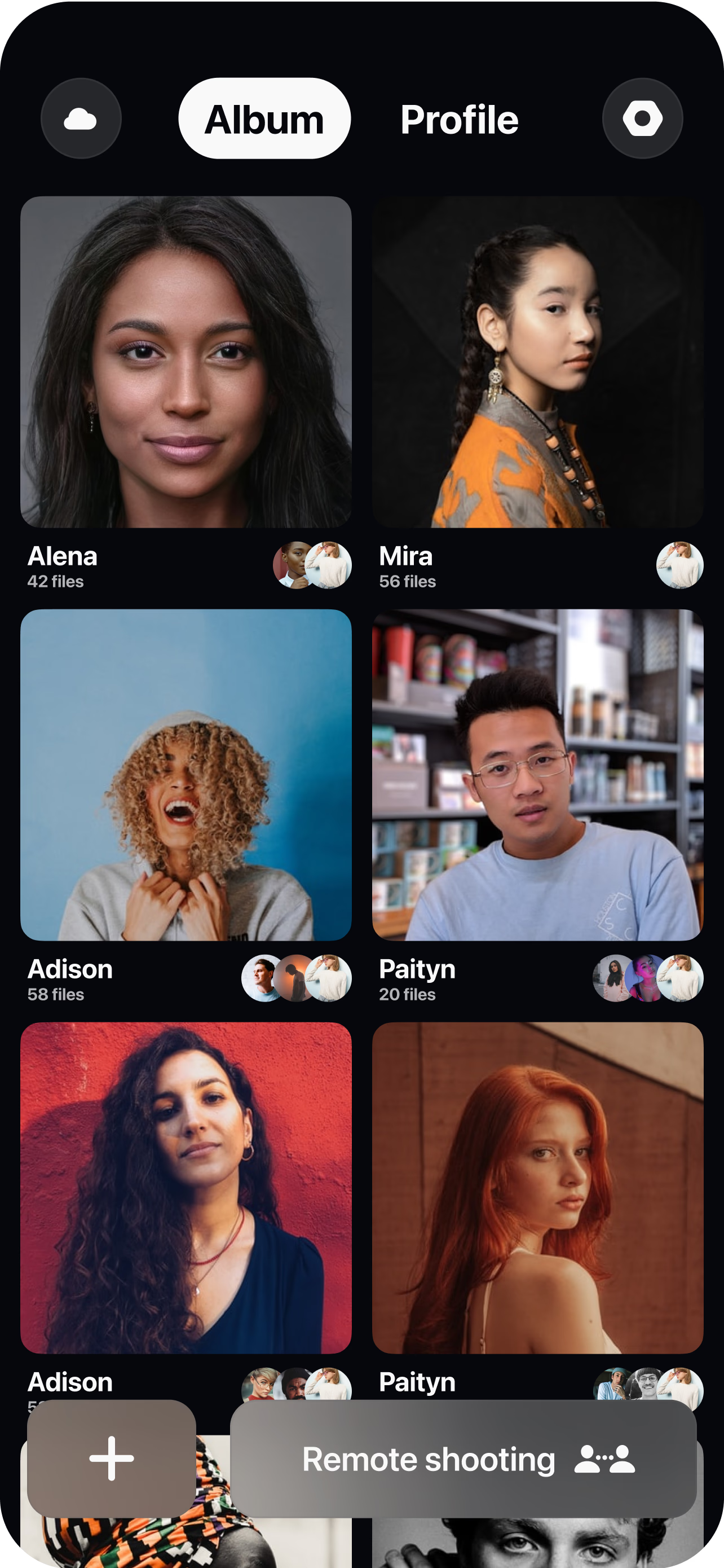
Brief the reviewer and open a room
Share a short prompt — what to unbox, what to demo, what to react to — then send a single link to join. No app-store hunt for viewers, no studio to book.
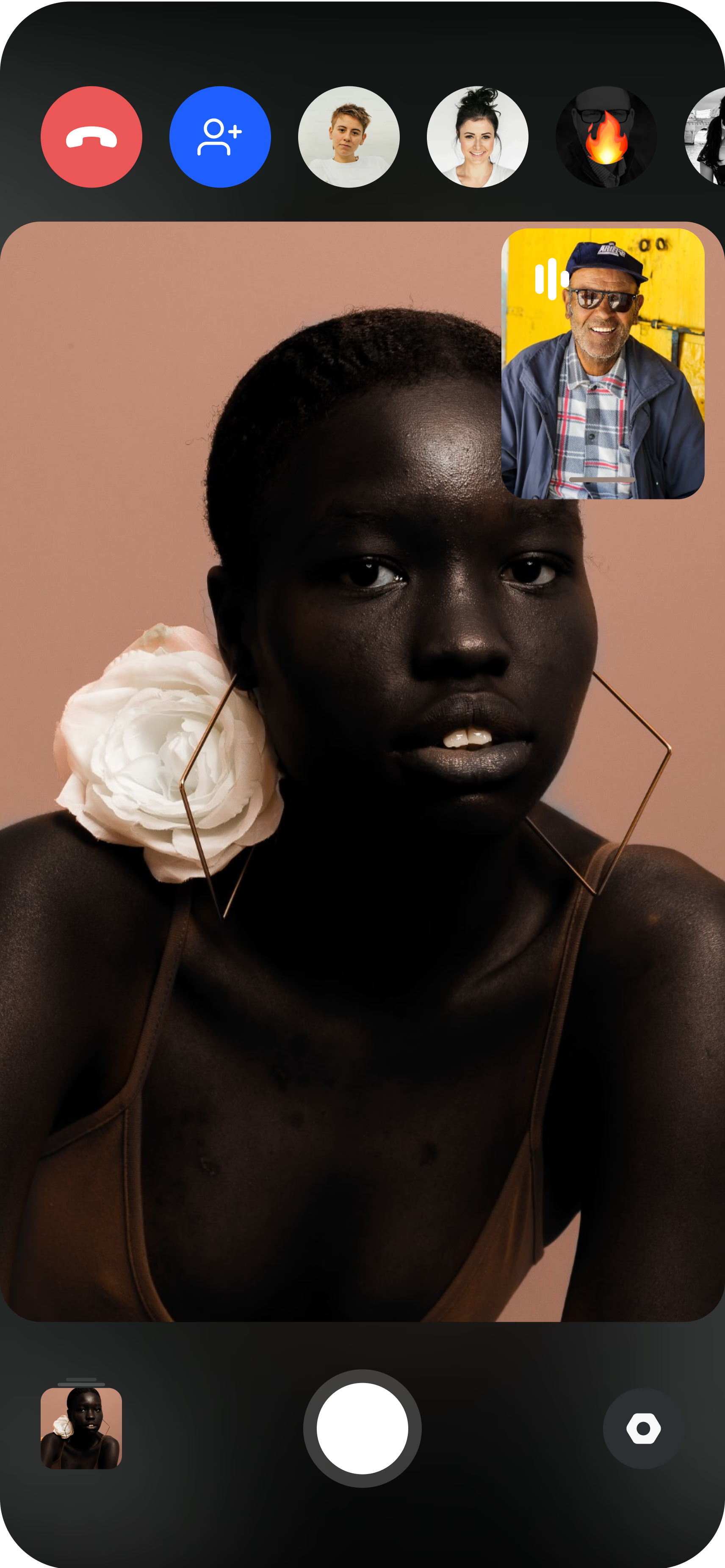
The reviewer joins from their phone
They prop the phone up or hold it, and you see their live camera feed with the product in hand, in their real environment. For a solo creator with no one to direct them, AI CAM guides the framing instead.
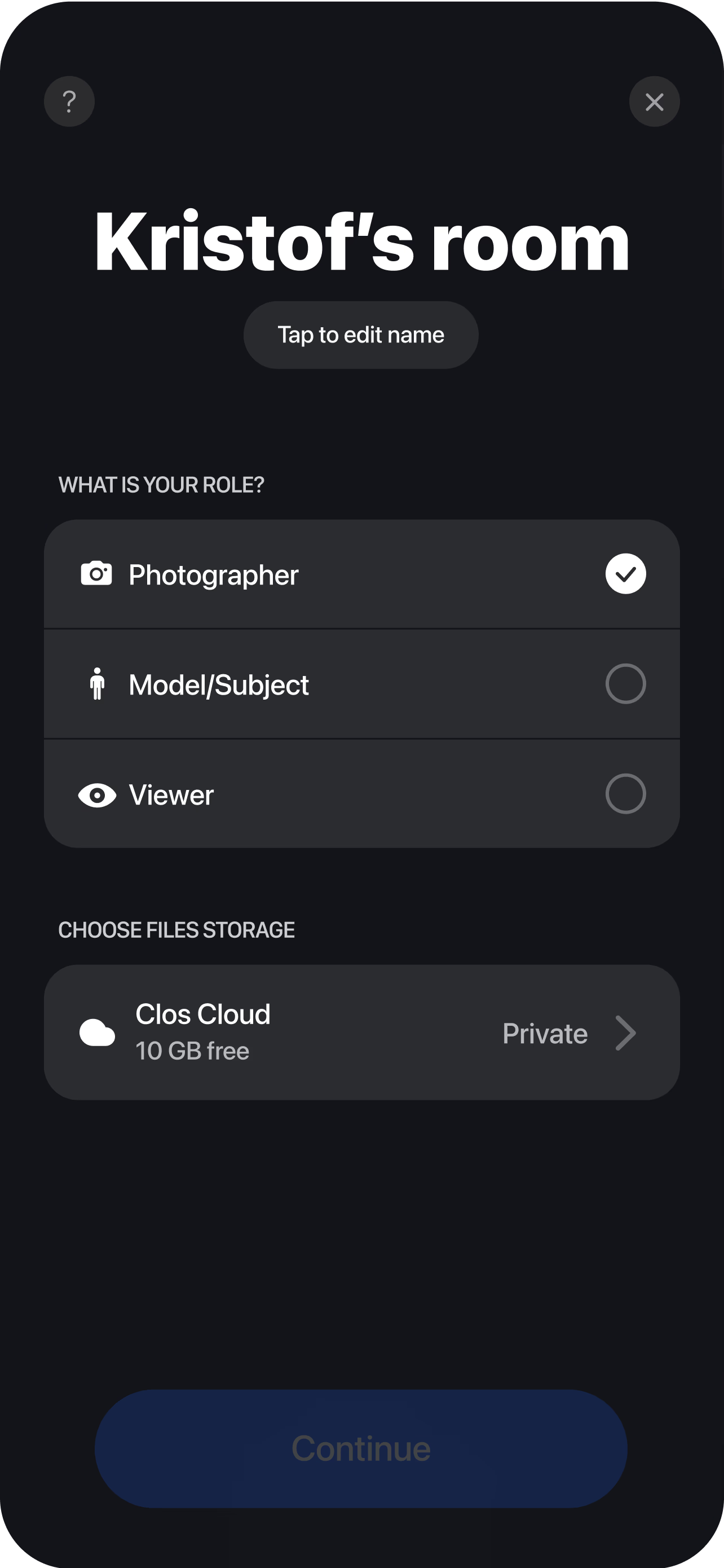
Direct the review and capture the unboxing
Frame the reveal, lock focus on the product, fix the exposure, and roll full-resolution video — then grab sharp photo close-ups of the packaging for the listing. Every clip and frame uploads to the cloud album live, so your team can cut review ads and PDP videos while the next reviewer is still being scheduled.
Two ways to capture a review
A review only works if it feels like a real person talking about a real product. CLOS keeps that authenticity but gives you two ways to reach usable quality, depending on whether someone is available to run the camera.
The first mode is live-directed capture. The reviewer joins a room from their own phone, and you take over the camera through remote camera control. You set the frame for the unboxing, lock focus on the product as it comes out of the box, correct the exposure when a bright window blows out the shot, and trigger full-resolution video and photos yourself. The customer just talks and demos — they never have to fumble with focus or figure out how to hold the phone. This is the mode to reach for when the reveal matters, when the product has fine detail that has to stay sharp, or when a brand wants to steer the talking points as the review unfolds.
The second mode is AI CAM solo capture. Not every creator has a second person to hold the camera, and scheduling a live session with every reviewer does not always scale. AI CAM closes that gap: it gives the creator real-time framing guidance so they can position themselves, hit the frame, and shoot on their own. It is important to be precise about what AI CAM is — it assists with framing for a real capture. It never generates an image. The photo or video that comes out is a genuine, full-resolution file of a real person with your real product, captured by the phone’s own sensor. Solo creators get a clean, directed-looking result without anyone else on the line, and the files behave exactly like a live-directed capture once they land.
Both modes produce the same class of asset: real, full-resolution review content you own and can drop straight into a product page or an ad.
Usage-ready files, not creator re-uploads
The usual pain with UGC is not getting the content — it is getting content you can actually use. Self-shot reviews tend to arrive vertical when you need horizontal, soft when you need sharp, or exported at a resolution too low for a paid placement. Then comes the back-and-forth: re-record this, re-send that, can you upload the original file instead of the compressed one.
CLOS removes that loop by capturing to spec at the moment of filming. Because the camera is controlled — by you or by AI CAM — the frame, focus and exposure are right before the shutter fires, not something you hope to fix in the edit. The files are full-resolution from the start, and Pro plans add RAW and Apple ProRaw stills when a review still needs to hold up to heavier grading and cropping for different placements.
Delivery is just as direct. Every clip and frame streams to a shared album through real-time cloud delivery the instant it is captured, so an editor can start cutting hooks while the reviewer is still on the call. You download a single hero clip, a hand-picked selection, or the whole session as a ZIP — there is no waiting for a creator to find the original file and re-upload it, and on Pro the albums do not expire, so a review you shot months ago is still there when you want to spin up a new variation.
Who uses this
- E-commerce and DTC brands building review content for product pages and paid ads — see how CLOS fits the workflow on the e-commerce brands persona page.
- Performance marketers who need a steady supply of testable review hooks in ad-ready resolution.
- Creator and UGC managers coordinating reviews across a roster without shipping product back and forth.
- Product and merchandising teams capturing honest demos and unboxings to answer real buyer questions on the listing.
Frequently asked questions
What are remote UGC product reviews? +
What is the difference between directed and AI CAM solo capture? +
Is the review content high enough resolution for ads and PDPs? +
How is this better than a creator just filming and sending the file? +
What does it cost to produce review content this way? +
Do reviewers need to install anything? +
Related
- Remote UGC campaigns
Run authentic creator content at scale for ads.
- Remote UGC testimonials
Turn happy reviewers into story-driven testimonials.
- Guide: how to do a remote photoshoot
The step-by-step playbook for a directed remote shoot.
- For e-commerce brands
How online brands capture review and product content with CLOS.
Capture review content your customers actually want to film
Send a reviewer a link, direct their camera remotely and pull full-resolution unboxing video the same day. Free to start — no credit card required.