Remote Video Testimonials — Polished Customer Testimonial Videos, Produced at Scale
Capture clean, well-framed customer testimonial videos by directing the customer's own camera remotely. Full-resolution footage for landing pages, ads and sales decks — without flying anyone anywhere.
Short answer
A remote video testimonial is a directed, brand-grade customer testimonial shot without travel: the customer props up their own phone, and your producer controls the camera remotely — setting framing, focus and exposure and recording at full resolution. The output is a clean, on-brand clip you can drop straight onto a landing page, paid ad or sales deck, produced in a short call rather than filmed by a crew on location.
Key takeaways
- Directed and on-brand — your producer sets framing, focus and exposure for a polished, consistent clip
- Full-resolution video recorded on the customer's phone — sharp enough for landing pages, ads and decks
- Produced at scale — a short call per customer instead of a film crew and a day rate
- Delivered as you record — footage lands in your cloud dashboard, ready to caption and cut; RAW stills on Pro

How it works with CLOS
CLOS keeps the session close to a directed video shoot — minus the travel, the crew and the day rate.
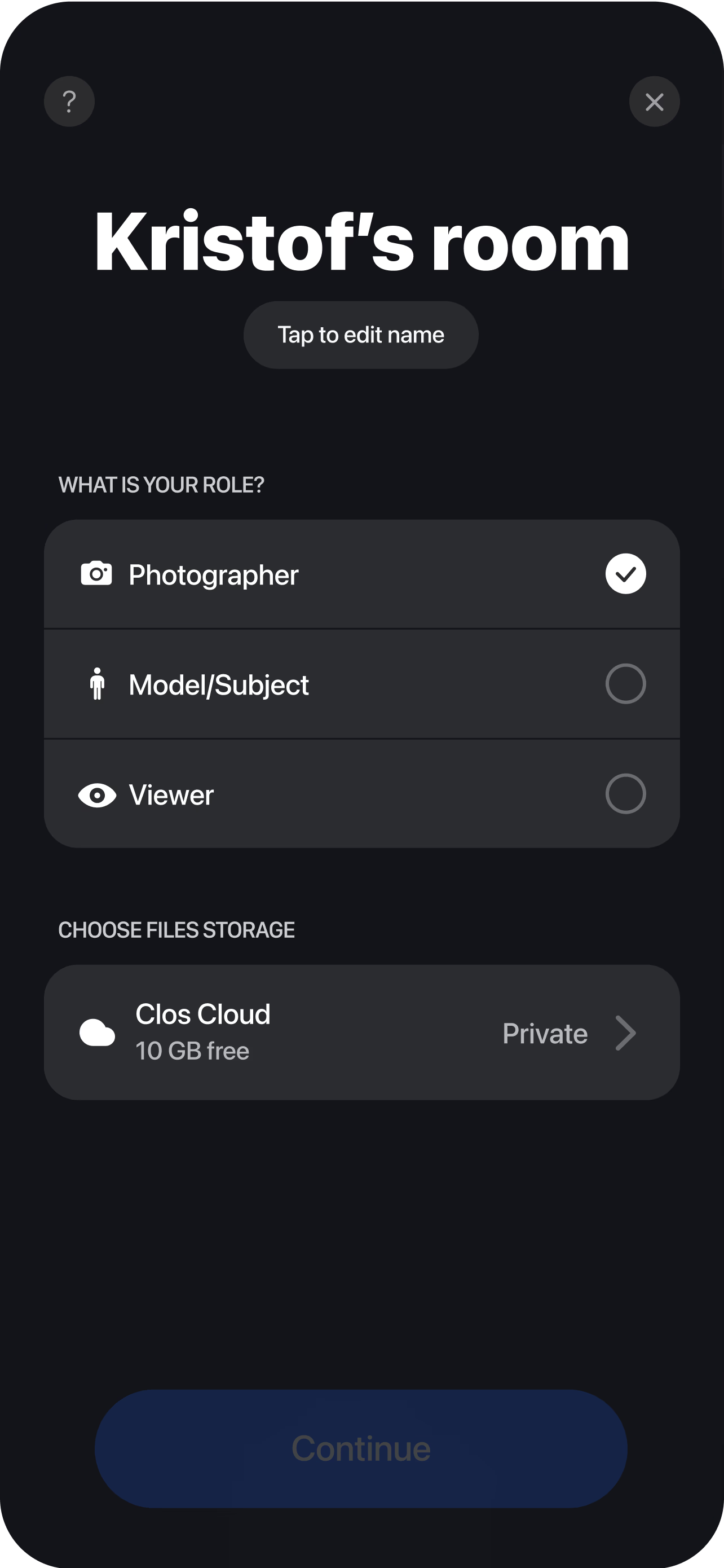
Brief the customer and open a room
Send a single link, share two or three talking-point prompts, and spin up a virtual room in seconds. The customer needs nothing but their phone and a quiet spot.
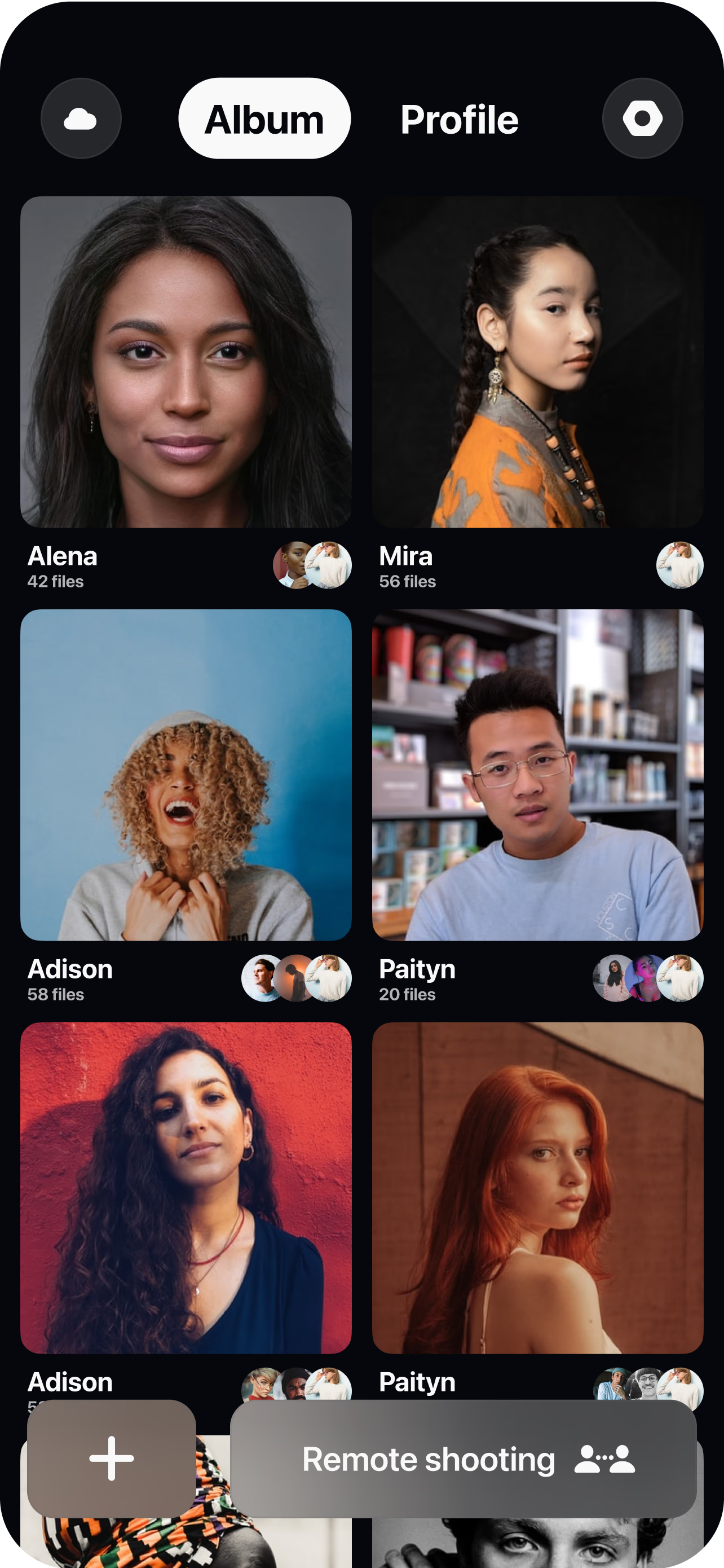
Pair the customer's camera
The customer joins from their iPhone or Android and props it up. You see their live feed instantly and can coach placement, height and background before recording — so the frame is right from the first take.
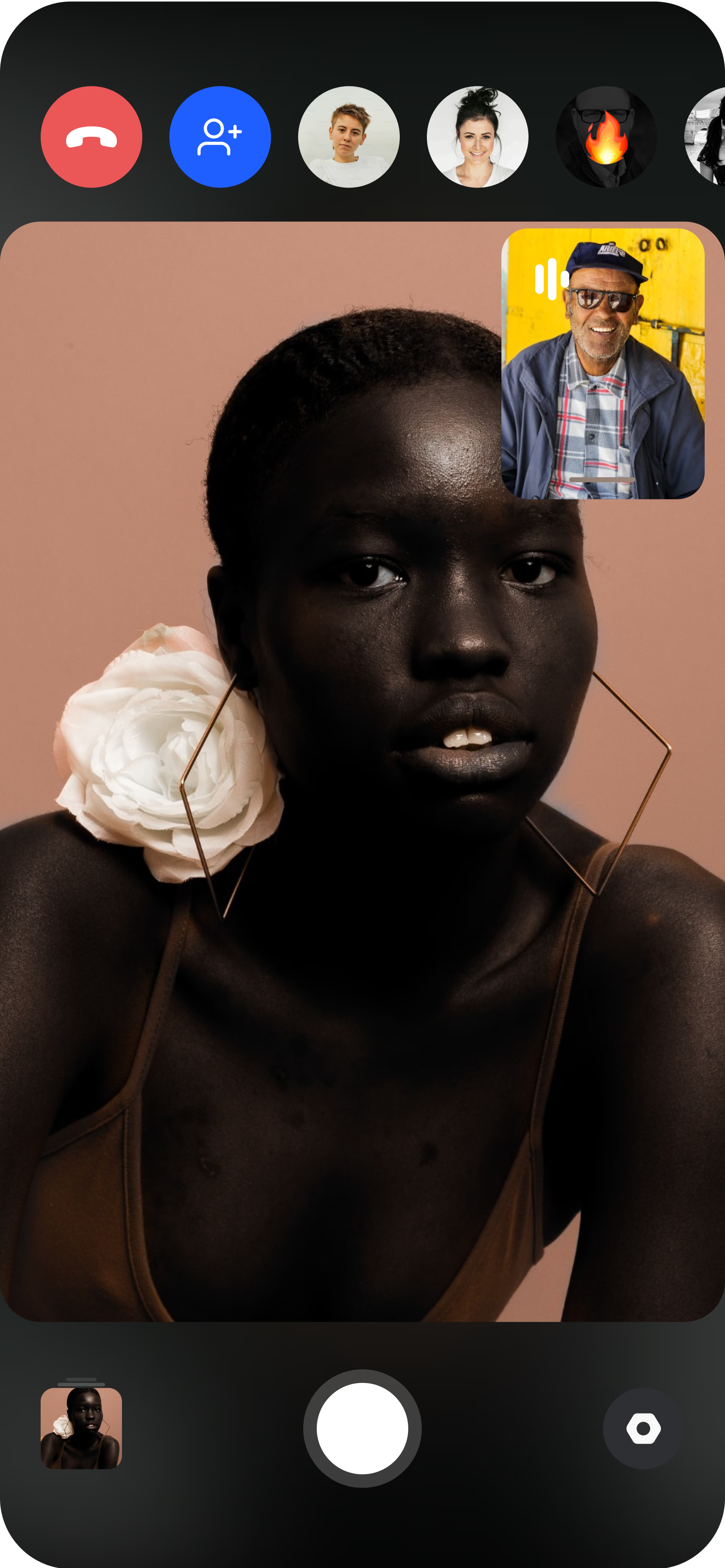
Direct and record remotely
Set focus and exposure — plus ISO, shutter speed and white balance on Pro — fine-tune the framing, then roll full-resolution video yourself while the customer speaks. You control the look; they just talk. Every take uploads to your dashboard in real time, ready for your editor.
Brand-grade testimonials without a crew
A testimonial that runs on a pricing page or a paid ad has a higher bar to clear than a casual clip. It has to look composed, sit on-brand next to your other marketing, and be sharp enough to hold a hero section — which is exactly why the usual remote options fall short. A recorded video call gives you soft, low-bitrate footage with framing you cannot fix, and a clip the customer films unsupervised is a gamble on their lighting, their angle and their sense of what looks good. Neither is something you would put your brand’s name behind.
The traditional fix is to send a film crew, and for a single flagship video that still makes sense. But a crew visit costs a day rate and a travel budget, takes weeks to schedule, and asks the customer to surrender half a day — so most teams manage one or two testimonial videos a year and call it a program. CLOS sits between the webcam and the crew. Through remote camera control your producer holds the camera on the customer’s phone — locking framing, pulling focus, correcting exposure — so you get the control and polish of a directed shoot on a device the customer already owns, at a cost and speed that lets you build a whole library instead of one showpiece.
Short directed sessions customers actually complete
The reason most testimonial programs stall is not that customers say no — it is that a full crew visit is a big ask, and a big ask sits in someone’s inbox for weeks. A directed remote session flips that. You are asking for a short call, not a day, and the customer needs nothing but their phone and a quiet corner. That lower commitment is what gets a busy advocate to actually pick a time, and it is the single biggest lever on how many testimonials you ship.
The session itself stays easy for them because all the technical work is on your side. The customer joins, props the phone up and talks; your producer handles framing, focus and exposure and simply guides them through two or three talking-point prompts. There is no crew filling their office, no gear to understand, no pressure to perform to a room — just a conversation. Keeping the customer’s job that simple is what makes the difference between a testimonial that gets recorded and one that gets endlessly rescheduled.
A consistent look across every customer
A library of testimonials only feels like a brand asset if the clips match. When each customer self-films, you get twenty different looks — different framing, different exposure, different quality — and stitched together they read as a scrapbook rather than a campaign. Because your producer sets the shot on every call, a CLOS testimonial library stays consistent: the same framing discipline, the same exposure, the same full-resolution finish across every customer, whether you record one this week and the next one next quarter.
That consistency carries straight into the edit. Every take streams into your dashboard through real-time cloud delivery the moment you stop recording, so your editor can start selecting soundbites and cutting while the customer is still on the line — and RAW and Apple ProRaw stills on Pro give you clean frames to pull for thumbnails and stills. There is nothing to transfer manually: download a single clip, a curated selection, or the whole set as a ZIP. Free includes 1 GB to produce a first testimonial, and Pro tiers scale from 5 GB to 1 TB with non-expiring albums as the library grows. For the full workflow, see the complete remote shoots guide.
Who uses this
- Brand and marketing teams building a consistent, on-brand library of customer proof for the site and campaigns — see how CLOS fits on the brands persona page.
- Demand-gen and lifecycle teams producing testimonial videos for landing pages, paid ads and nurture flows.
- B2B SaaS and services companies turning reference customers into polished video quotes at volume.
- Sales and customer marketing teams who need short, credible clips to drop into decks and outreach.
Frequently asked questions
How is a video testimonial different from a UGC testimonial? +
How long does a customer need to give me? +
Will the testimonial look polished enough for a landing page or ad? +
Can I record many testimonials at scale? +
How much does it cost to produce remote testimonials? +
Do customers need to install anything? +
Related
- Remote UGC testimonials
Casual, customer-shot proof for social-first campaigns.
- Remote customer case studies
Pair testimonials with b-roll for a full customer story.
- Guide: the complete remote shoots guide
End-to-end playbook for planning and running a remote shoot.
- For brands
How brand and marketing teams use CLOS.
Produce your next testimonial video remotely
Open a room, send your customer a link and direct a clean, full-resolution testimonial in one short session. Free to start, no credit card required.