Headshots for Events & Speakers
Short answer
Headshots for events and speakers are directed portraits of your speakers and staff, captured remotely before the event instead of in a studio or a rushed on-site booth. One photographer controls each person’s phone camera over a browser, applies the same background and lighting brief, and delivers every portrait to a single cloud album ahead of the deadline. It’s the event-focused form of remote headshots — consistent promo photos for everyone on the program, wherever they are.
Key takeaways
- Capture many people quickly — no flying in a photographer or renting an on-site booth
- Same brief for everyone — one background and lighting spec across every speaker and staffer
- Reach speakers anywhere — each person shoots from their own phone in their own city
- One album before the event — full-resolution portraits delivered ahead of the deadline
- Ideal for conference promo, speaker pages, badges and press kits

The pre-event headshot problem
Every conference needs headshots for its speaker page, promo graphics, badges and press kit — and it needs them before the marketing deadline, not on the day. The trouble is the people. Speakers and staff are spread across many cities, they’re busy, and gathering them for a studio session or flying a photographer to each of them is neither fast nor affordable.
The usual fallbacks make it worse. Asking speakers to send whatever headshot they have on file produces a mismatched grid of crops, backgrounds and quality. A single on-site booth on day one is too late for promotion and creates a queue that eats into the event. What the timeline actually needs is a way to capture many people, consistently, in the weeks before the doors open.
Running a speaker headshot program
The fix is to treat headshots as a small program with one brief and directed sessions.
- Set one brief. Decide the background, framing and lighting spec once — a plain wall, a consistent crop, even light — so every portrait matches the event’s look.
- Batch the sessions. Send speakers and staff a join link and group them into short blocks, by track or by time zone. One operator directs each phone camera in turn, applying the same brief to each person.
- Direct, don’t delegate. Because the photographer controls framing, focus and exposure remotely — plus ISO, shutter speed and white balance on Pro — nobody has to be a photographer. They just prop up their phone and follow direction.
That single operator applying one brief is what keeps a full speaker roster looking like one set.
Delivery: one album before the event
Every capture uploads to a shared CLOS cloud album in real time, so your marketing team pulls speaker portraits from one place instead of chasing files over email. Download a single portrait, a selection, or the whole set as a ZIP for the promo pipeline.
Because it’s all delivered ahead of time, the speaker page and promo graphics go out on schedule — and any late addition to the line-up is a quick extra session that matches the rest, not a scramble. Rooms are access-controlled and transfers encrypted, which matters when the files are unpublished event promo.
How it works with CLOS
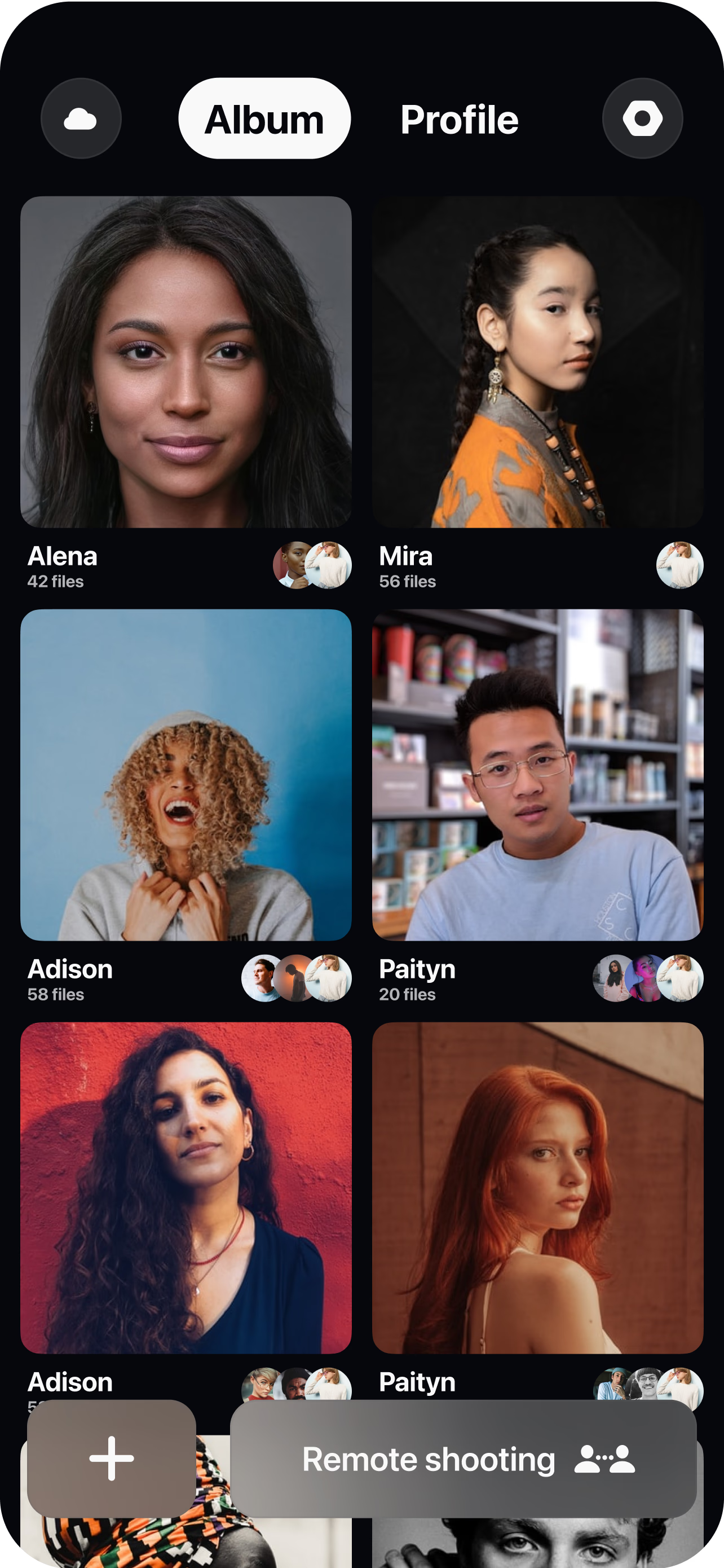
Set the brief and share links
Decide the background, crop and lighting spec, then send speakers and staff a single join link — batched by track or time zone. No studio to book, no app for them to learn.
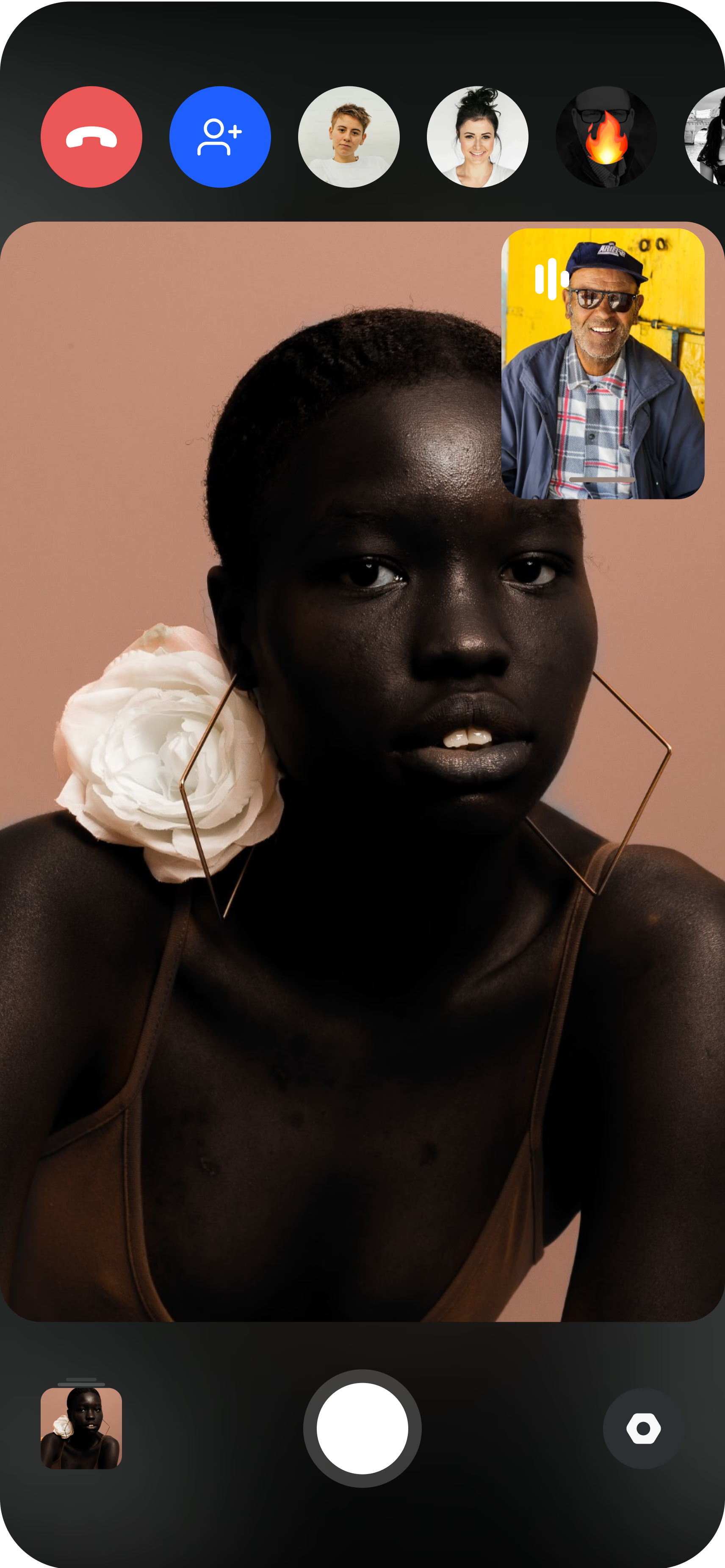
Each person joins from their phone
They open the link, prop the phone on a shelf or tripod, and the photographer sees the live feed. A quick check against the brief keeps every shot on-spec.
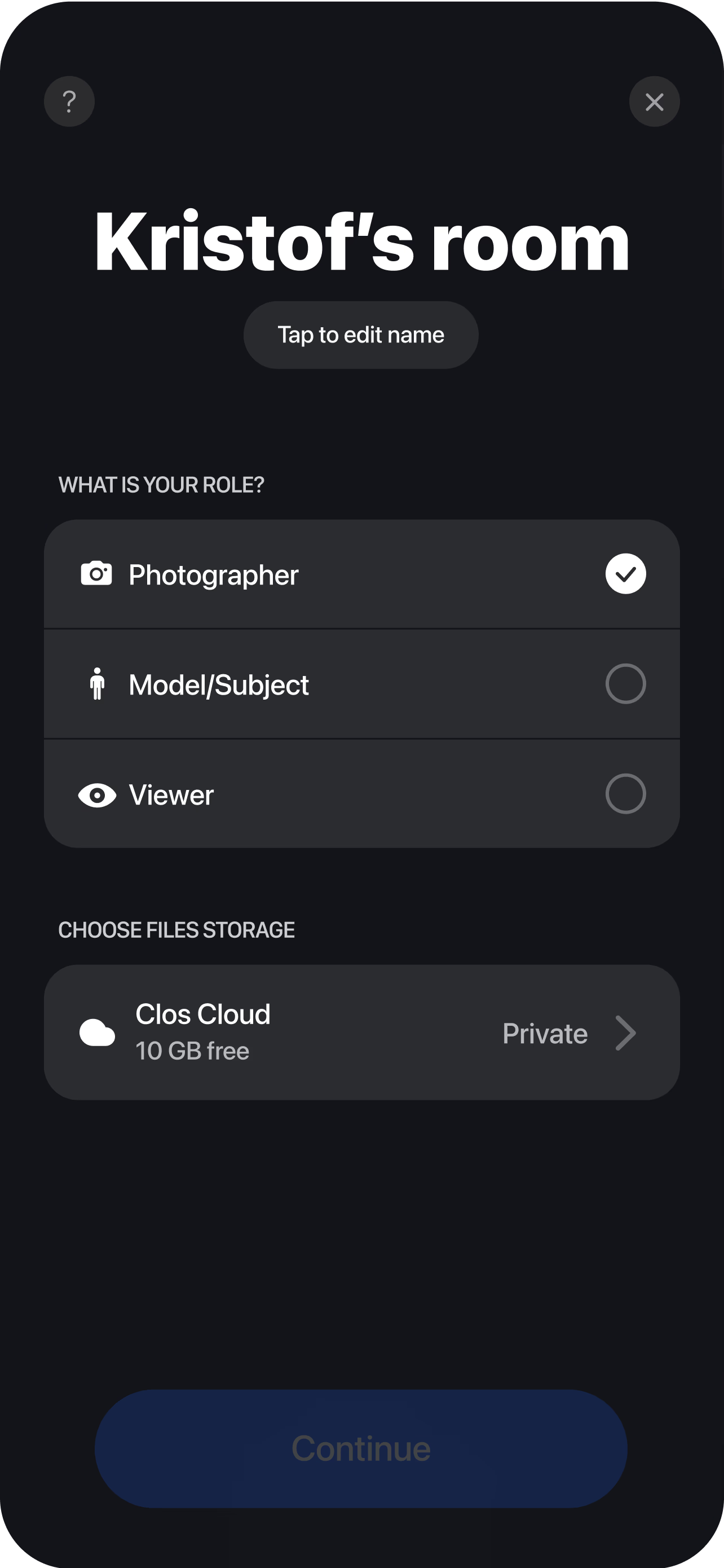
Direct, capture and deliver to one album
The photographer applies the same framing and exposure to everyone, triggers full-resolution captures, and each portrait uploads to a shared cloud album — ready for the marketing team to download before the event.
Frequently asked questions
How do I get headshots for speakers who are in different cities? +
How quickly can we capture a full speaker roster before an event? +
Where do the finished event headshots go? +
Can you compare different options for getting professional headshots done remotely? +
What are the leading providers of virtual headshot sessions for conference speakers and event staff? +
Related
- Remote headshots
The hub for real, directed remote headshots.
- Virtual headshots for remote teams
Consistency at scale for distributed teams.
- Guide: remote headshots for distributed teams
The step-by-step playbook for a headshot program.
- For marketing teams
How marketing teams use CLOS for promo content.
Capture your speaker headshots before the event
Set one brief, direct each speaker's phone camera remotely and collect consistent, full-resolution portraits in a single cloud album — ahead of the deadline. Free to start, no credit card required.